> ## Documentation Index
> Fetch the complete documentation index at: https://docs.envzero.com/llms.txt
> Use this file to discover all available pages before exploring further.
# Managing Pulumi Version
> Pin Pulumi templates to a specific CLI version in env zero using the ENV0_PULUMI_VERSION variable or the template wizard, avoiding unexpected version upgrades.
Managing software versions of your Infrastructure as code framework is one of the basic aspects when managing your deployment and code. Now you can specify the exact Pulumi CLI version you want your IaC to run with and avoid version incompatibility issues and have full control over what versions update and backward compatibilities issues.
### Setting Pulumi Version
The version defined for Pulumi templates until recently defaulted to being the latest stable Pulumi CLI build,\
Now you can choose exactly what version you want your CLI to run with.
You can define your version by:
* Defining the environment variable `ENV0_PULUMI_VERSION`
* Choosing your version in our template wizard
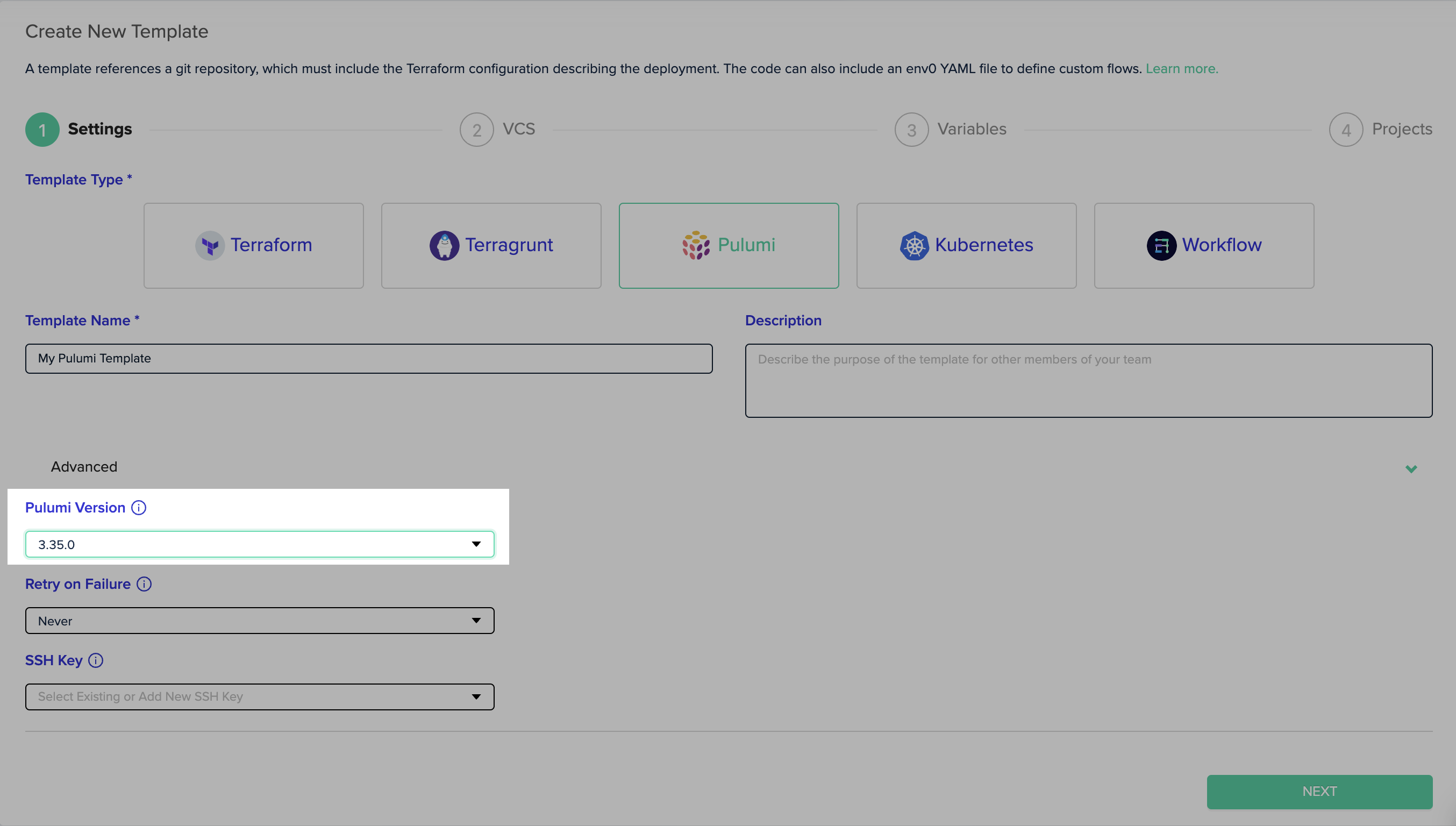 You can read more about defining an IaC version for you templates [here](/guides/admin-guide/templates)