> ## Documentation Index
> Fetch the complete documentation index at: https://docs.envzero.com/llms.txt
> Use this file to discover all available pages before exploring further.
# TTL Policy Per Project
> Override organization-level TTL policies at the project level in env zero, giving project admins control over environment time-to-live defaults and maximums.
env zero lets you create a managed self-service inside your organization, empower your developers and R\&D teams to spin up, update and destroy an environment with one click, and track environment status or deployment history. To manage those environments and make sure no resources are wasted, env zero lets you create [TTL policies](/guides/policies-governance/policy-ttl). The Organization administrator can limit the environment's time-to-live, but often, the same settings don't fit the needs of different projects in the organization. Now we allow overriding organization TTL policy on a project basis.
### TTL Policy Settings
When users create or redeploy an environment, they can set the environment's time-to-live. TTL Policies define the default and maximum time-to-live values for the environment either at the organization level or at the project level.
### Organization Level Policy
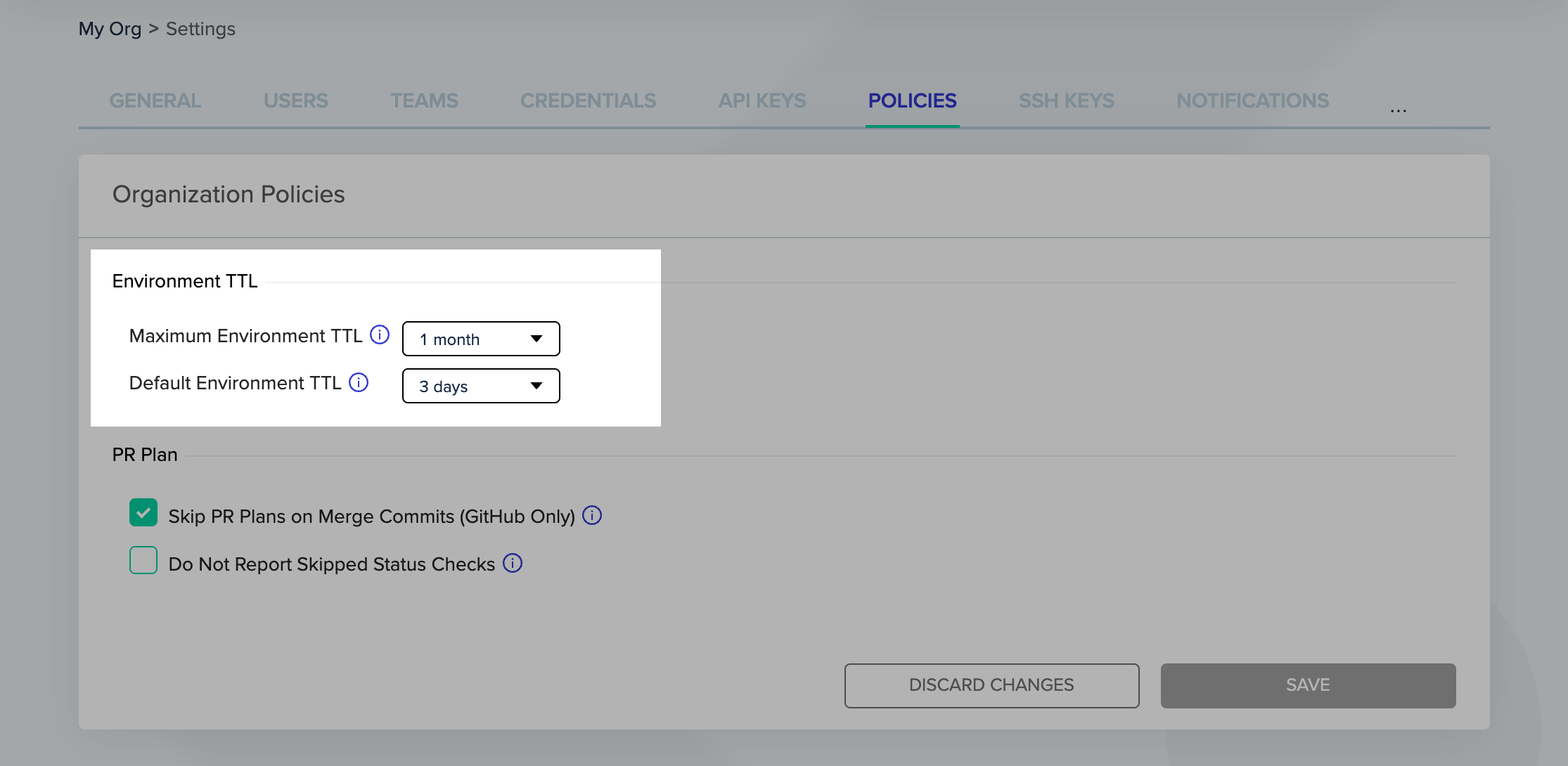
Administrators can set the policies at the Organization level under the Policies tabs.
 ### Project Level
Project Admins can find the new settings in Project Settings > Policies tab.
### Project Level
Project Admins can find the new settings in Project Settings > Policies tab.
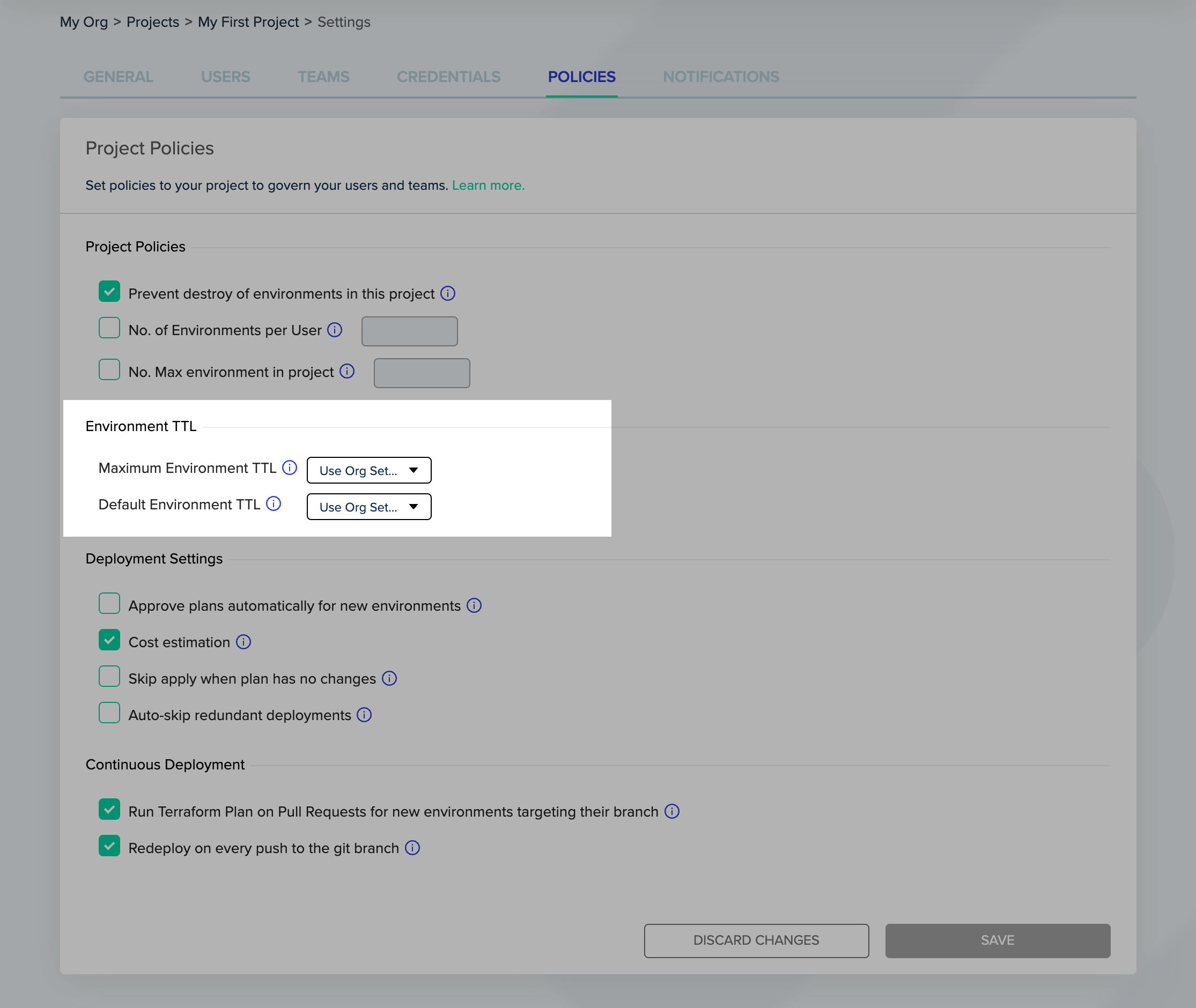 The defaults are to use the settings from the Organization policy, but you can override it for each project.
You can read more about TTL policies [here](/guides/policies-governance/policy-ttl).
The defaults are to use the settings from the Organization policy, but you can override it for each project.
You can read more about TTL policies [here](/guides/policies-governance/policy-ttl).