> ## Documentation Index
> Fetch the complete documentation index at: https://docs.envzero.com/llms.txt
> Use this file to discover all available pages before exploring further.
# Audit Log
> Track organization activity in env zero audit logs, showing who performed each action, when it occurred, and detailed metadata, accessible via the UI or API.
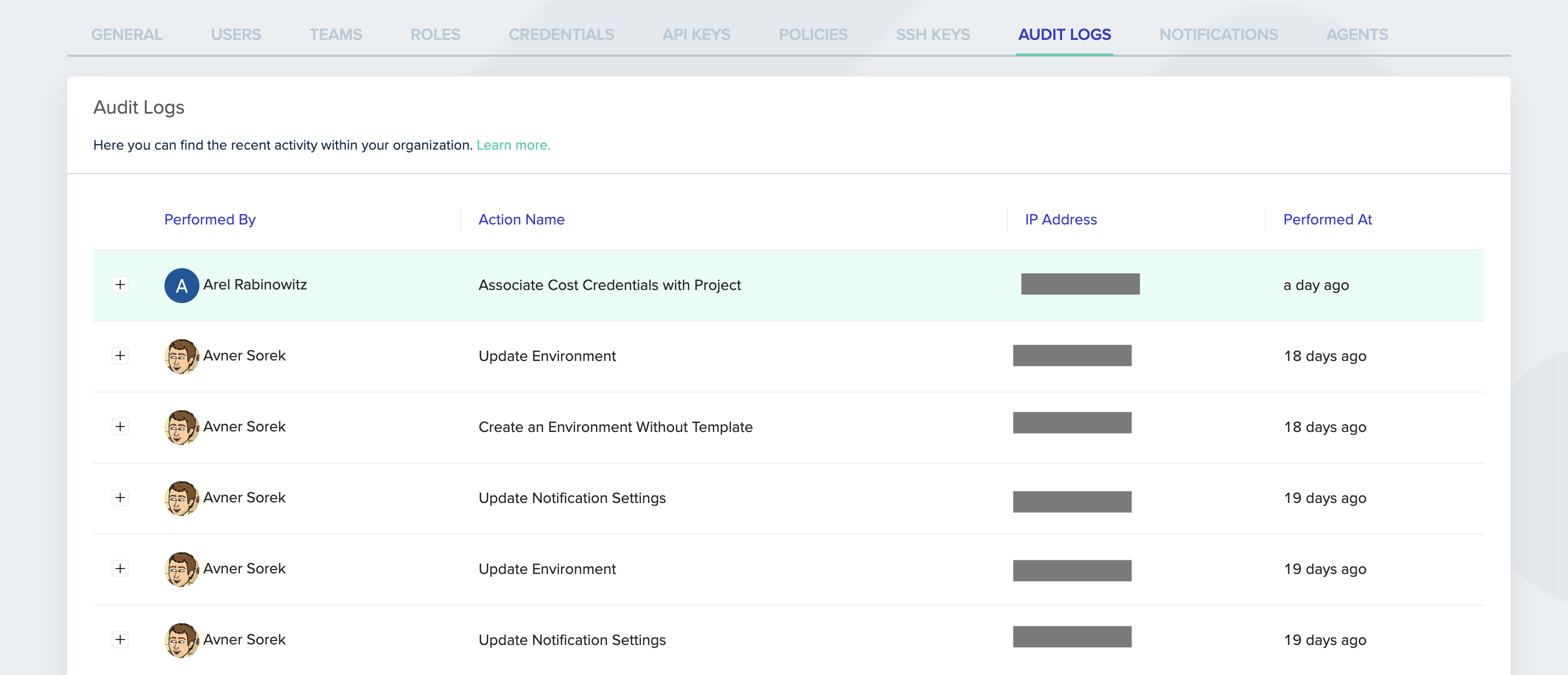
The audit log lets you view recent activities across your organization. The audit log contains information about who performed the activity, when the action was performed, the activity's description, and additional data. You can access the audit log from the UI or programmatically through the env0 API.
## Accessing the audit logs
### Through the env0 UI
1. Go to the Organization's **Settings** page.
2. Click the **Audit Logs** tab.
3. The audit details are listed in a table.
4. Click the row's **+** sign to reveal additional activity details.
5. Click the **Show more** button at the bottom of the page to see more rows.
 ### Through the env0 API
Use the ["Fetch Audit Logs" API](/api-reference/audit-events/fetch-audit-logs) to retrieve your organization's audit logs programmatically.
Learn more about the audit log in our [documentation](/guides/admin-guide/audit-logs).
### Through the env0 API
Use the ["Fetch Audit Logs" API](/api-reference/audit-events/fetch-audit-logs) to retrieve your organization's audit logs programmatically.
Learn more about the audit log in our [documentation](/guides/admin-guide/audit-logs).