> ## Documentation Index
> Fetch the complete documentation index at: https://docs.envzero.com/llms.txt
> Use this file to discover all available pages before exploring further.
# Deployment Comments
> Add markdown comments to deployments, environment creation, destruction, and tasks in env zero to record context and improve team communication around changes.
Effective communication is crucial for any team, and this is especially true when it comes to deployments. It can be difficult to understand the reasoning behind a deployment and how it fits into the bigger picture.
That's where the Deployment Comments come in - you can add a comment to various actions, such as deployments, environment creation and destruction, running tasks, and more.
Adding a comment lets you provide context and explanations for why the action was taken, and better understand the reasoning behind changes, and make it easier to track and communicate about those changes within a team.
## Adding a Comment
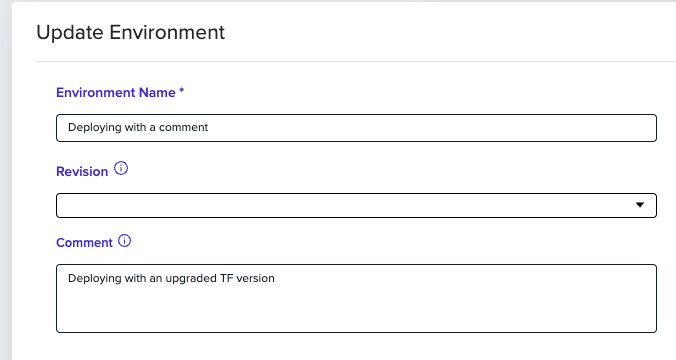
Adding a comment is simple as it sounds - write whatever you want in the "Comment" input. Markdown syntax is supported, providing more formatting options for users to convey their message better.
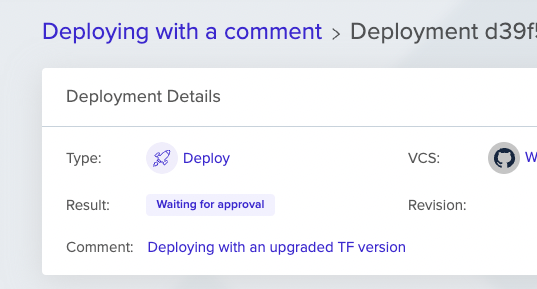
 Any comment would be visible in the deployment details section.
 Additionally, as long as a comment is provided - it will be displayed in any sent [notifications](/guides/integrations/notifications).