> ## Documentation Index
> Fetch the complete documentation index at: https://docs.envzero.com/llms.txt
> Use this file to discover all available pages before exploring further.
# Custom TTL Policy
> Set any TTL duration in months, weeks, days, or hours for env zero environments at the org or project level to prevent resources running indefinitely.
One potential side affect of empowering development teams with self-service access to cloud resources is that systems and services may be left running, and unused for long periods. This is wasteful, and potentially dangerous. env0 has already had the ability to define a Time-To-Live (TTL) for an environment, but you can now set custom TTL policies per project to ensure that no resources are left behind.
## Setting Custom TTL Policies
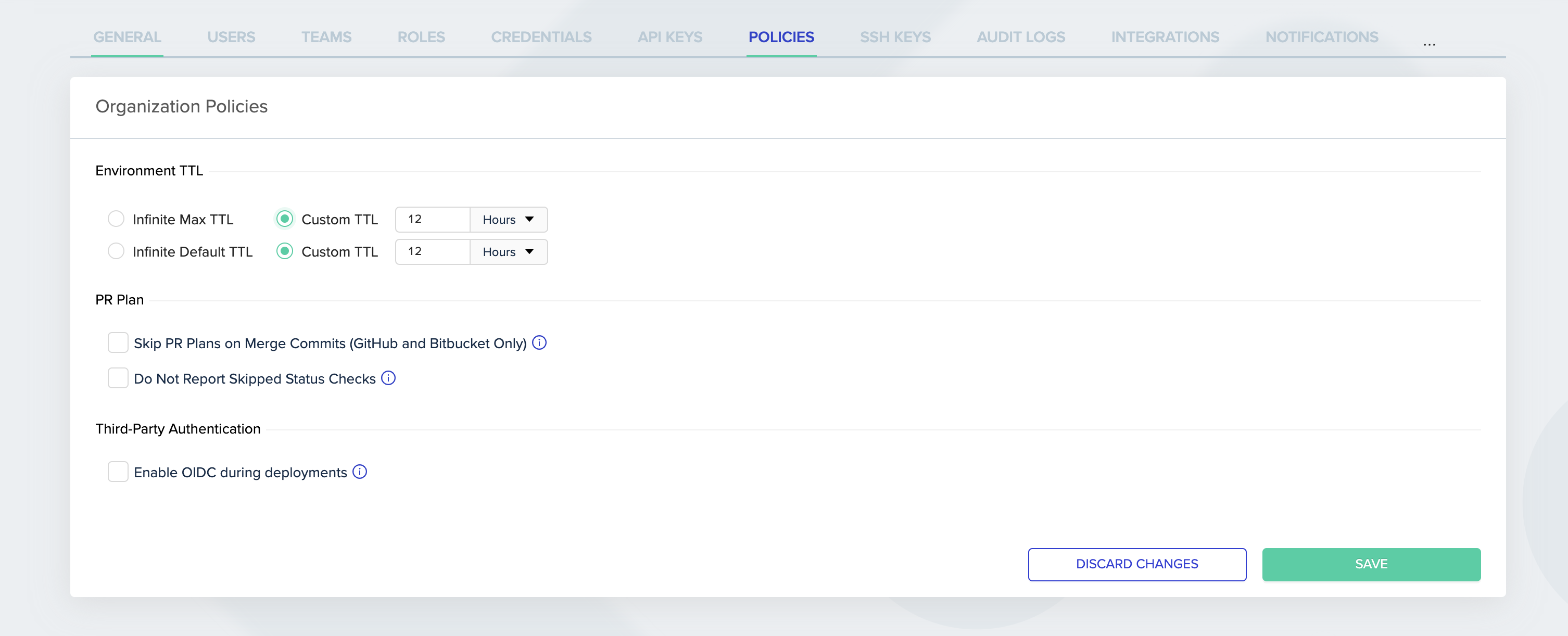
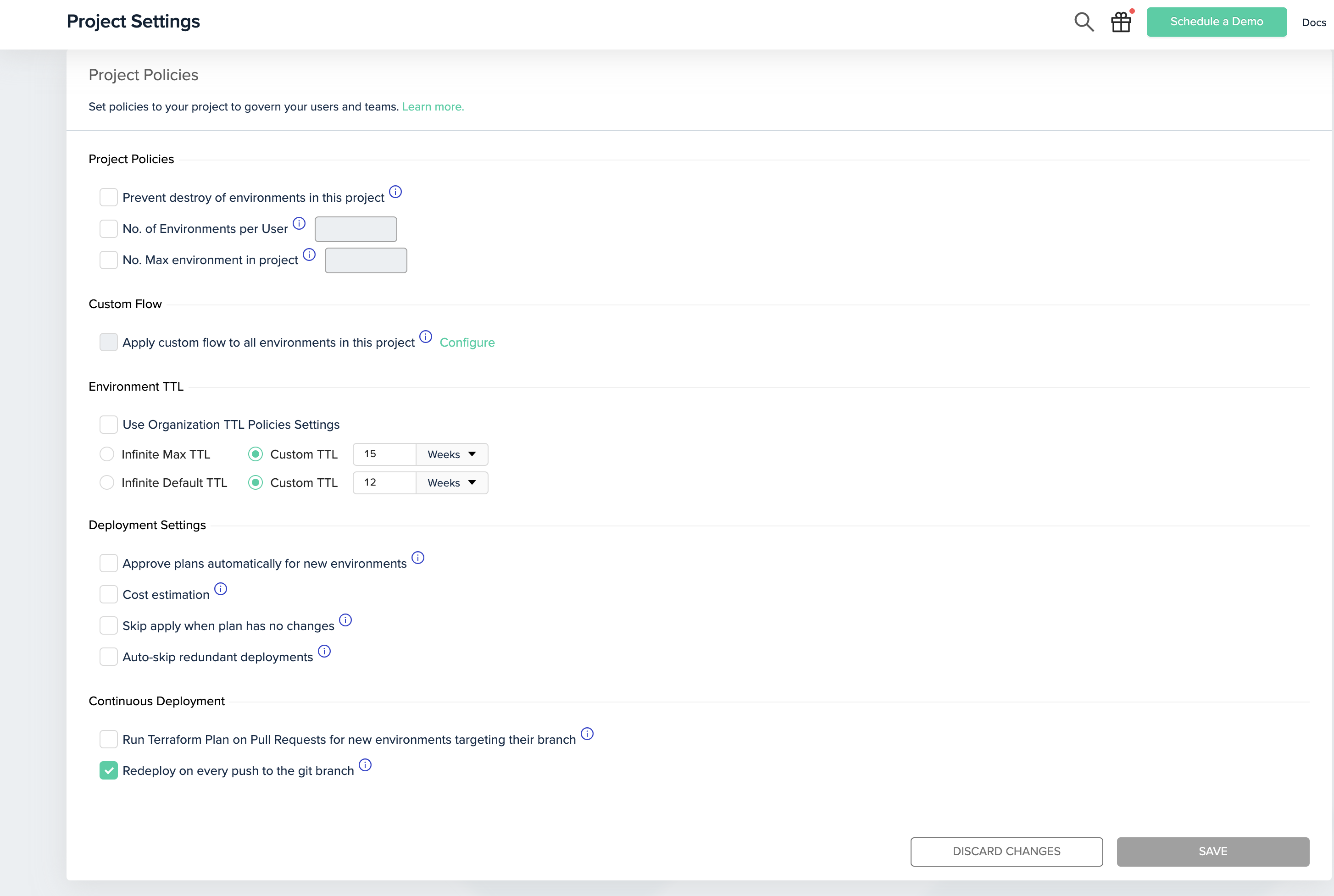
Many customers wanted to be able to set the Max and Default TTL policies to a custom value of their choice and not to be limited (pun intended) to the predefined set of durations.
We added the ability to choose any TTL duration you want (Months, Weeks, Days, Hours). Those policies can be set at the Organization level or inside a specific Project.