> ## Documentation Index
> Fetch the complete documentation index at: https://docs.envzero.com/llms.txt
> Use this file to discover all available pages before exploring further.
# Update Environment Variables without Deploying
> Save changes to environment variables in env zero without triggering a deployment, so updates are staged and applied on the next redeploy.
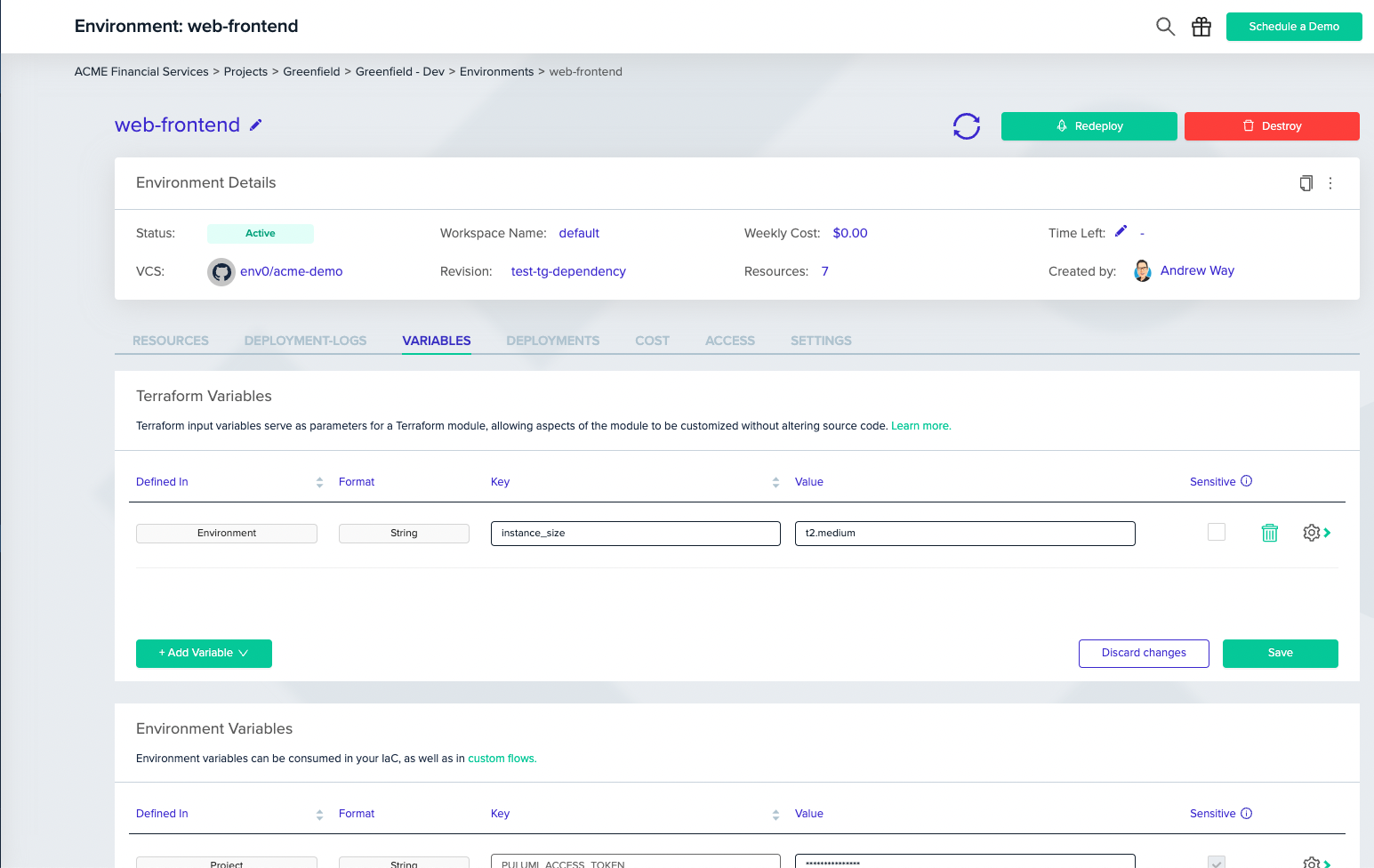
Using an infrastructure-as-code model, variables are used to customize certain aspects of a configuration for a specific deployment, without having to change the code. In this way, a single configuration can be used in different contexts to create different deployments. Now for an environment that already exists, you can also edit the variables settings under the environment *Variables* tab **without the need to trigger** a deployment.
## Saving Variables
To change a variable, go to the environment page, and under the `Variables` tab change the relevant variables and click on the `Save` button.
 > Limits
>
> Changes to variables for an existing environment will not take effect until the environment is redeployed. When env0 runs a deployment, it stores the variable names to be used in undeploy so changes for an *Active* environment will not affect the undeploy process.
> Limits
>
> Changes to variables for an existing environment will not take effect until the environment is redeployed. When env0 runs a deployment, it stores the variable names to be used in undeploy so changes for an *Active* environment will not affect the undeploy process.