> ## Documentation Index
> Fetch the complete documentation index at: https://docs.envzero.com/llms.txt
> Use this file to discover all available pages before exploring further.
# VS-Code Extension
> Deploy and monitor env zero environments from VS Code, viewing environments by git branch, triggering deployments, approving changes, and tailing live logs.
An idea that started in one of our hackathons, has just been published. VS-Code & env0 users can deploy their environments from their IDE!
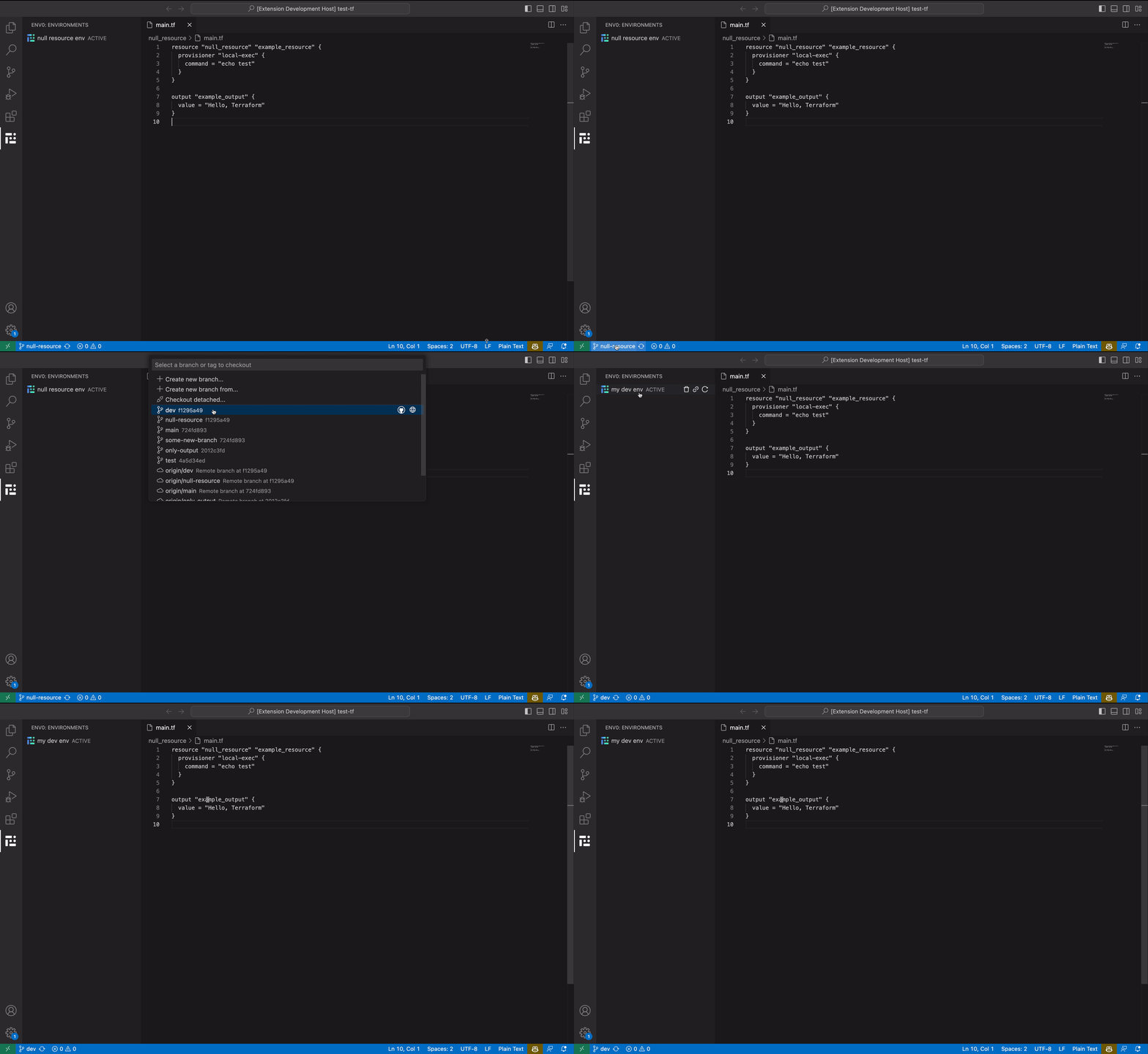
The env0 extension will display all environments associated with the current git branch. You can perform several tasks like deploy, destroy, approve deployment, watch live logs, and visit the environment's page if needed.
At first, you should create an organization API key and perform authentication. Then, you'll able to see all of the active environments associated with your active git branch. Once you push changes to remote and hit "Redeploy" button, you'll get notified about the status change. The deployment logs are available in the OUTPUT tab, "env0 logs" item in the dropdown menu. It will be auto-focused when a deployment is active.
The [extension](https://marketplace.visualstudio.com/items?itemName=env0.vscode-env0) is now available in the marketplace. Please follow the [README](https://github.com/env0/vscode-env0) for usage instructions.