> ## Documentation Index
> Fetch the complete documentation index at: https://docs.envzero.com/llms.txt
> Use this file to discover all available pages before exploring further.
# Email Notifications
> Configure custom email recipients and event triggers per project in env zero, sending notifications for failed deployments, budget alerts, and completions.
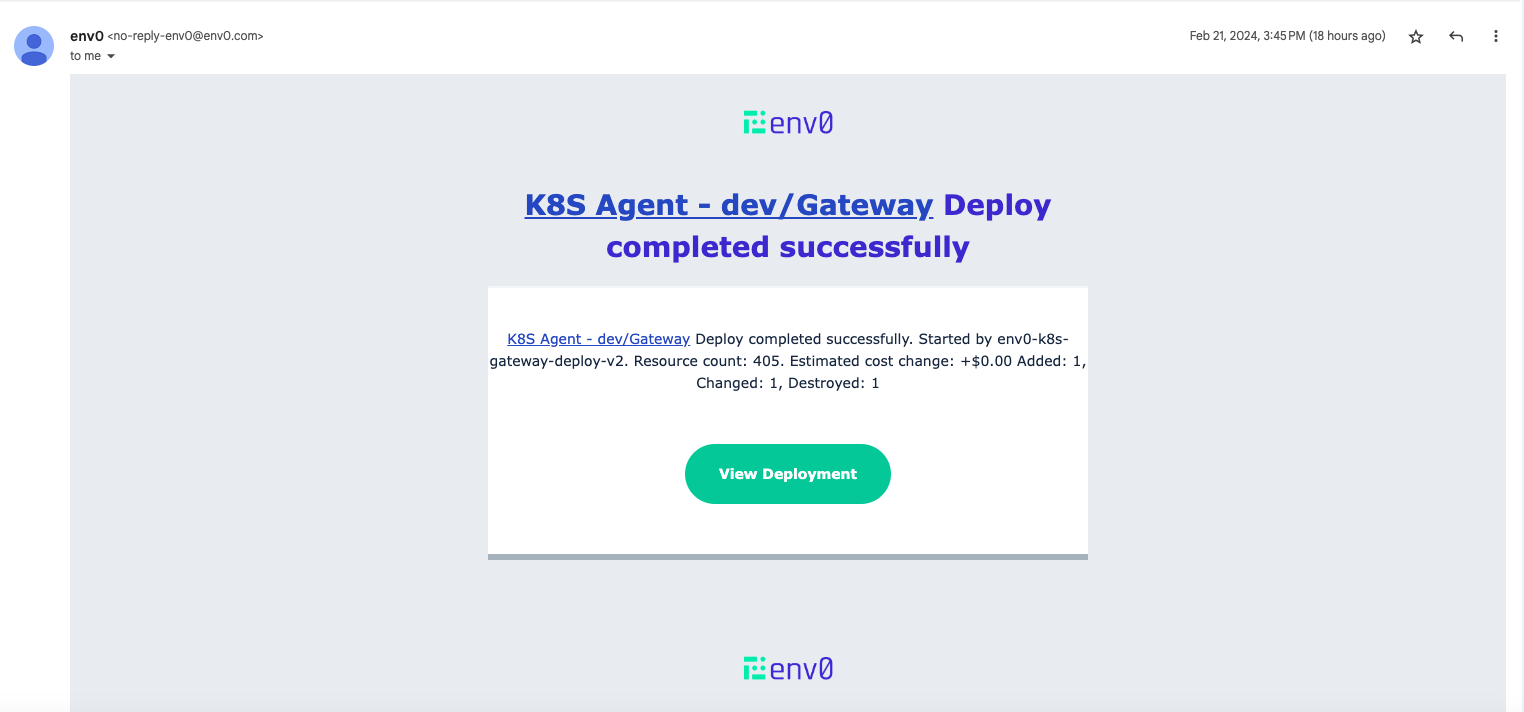
This update revamps email notifications in env zero.
Until now, users would receive email notifications which were not configurable.
Now we are allowing users to define custom email recipients and configure different events to go out to each email, such as failed deployments or maxed out budgets.
These can be configured separately for different projects so you can stay on top of critical updates sent directly to your inbox!
> Legacy Email Notifications
>
> Current legacy email notifications will be disabled in 2 weeks time.
## Add Email Notification
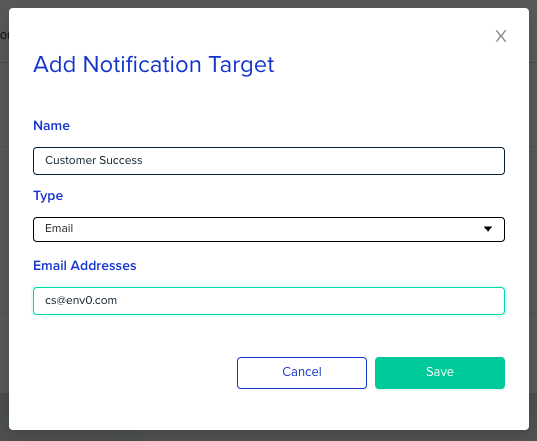
To enable email notifications, visit your organization settings and under notifications we have added email support.
 ## Configure your project to send notifications
Configure the events you would like to be notified about, as described in our [docs](/guides/integrations/notifications#configure-your-project-to-send-notifications):
1. Navigate to your Project Settings, and open the Notifications tab.
2. Find the Notification Target you've previously added and click on the edit icon () next to it.
3. Select the events you'd like to get notified of, from this project to this notification target.
4. Click Save.
## Receive Email Notifications
## Configure your project to send notifications
Configure the events you would like to be notified about, as described in our [docs](/guides/integrations/notifications#configure-your-project-to-send-notifications):
1. Navigate to your Project Settings, and open the Notifications tab.
2. Find the Notification Target you've previously added and click on the edit icon () next to it.
3. Select the events you'd like to get notified of, from this project to this notification target.
4. Click Save.
## Receive Email Notifications