> ## Documentation Index
> Fetch the complete documentation index at: https://docs.envzero.com/llms.txt
> Use this file to discover all available pages before exploring further.
# Approval Policies and Custom Flows Enhancements
> Assign multiple approval policies and custom flows per env zero project, with template-level enforcement and combined project and environment-level execution.
Running your Infrastructure as code might be a complicated task that may include running custom scripts and have specific policies to make sure your guardrails are in place. With env0 Custom flows, you can run extra logic (bash, python, gcloud, Ansible, etc.), whenever you want in the deployment process (before or after Terraform init/plan/apply, and even destroy/error). With approval policies, you can run your custom policies to make sure everything is meeting your standards, and according to the output we will cancel, wait for approval from a team member, or continue the deployment.
## What's new
Now we have enhanced the way our approval policies and custom flows work. Here are some of the new features available:
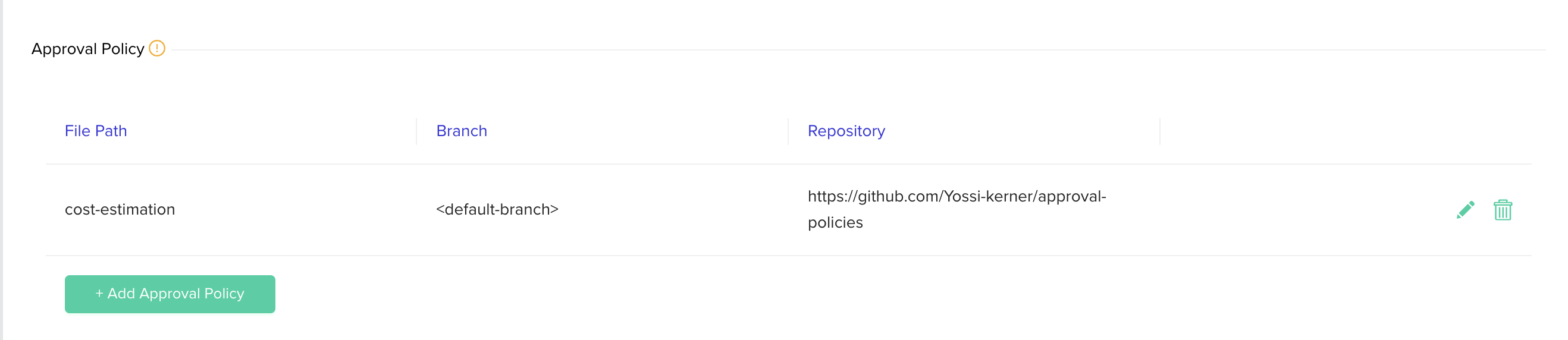
* A single project can use multiple approval policies, allowing different policies to be organized in separate files. Each can be maintained by a different team or stored at a different location while still applying all of these to the same project.
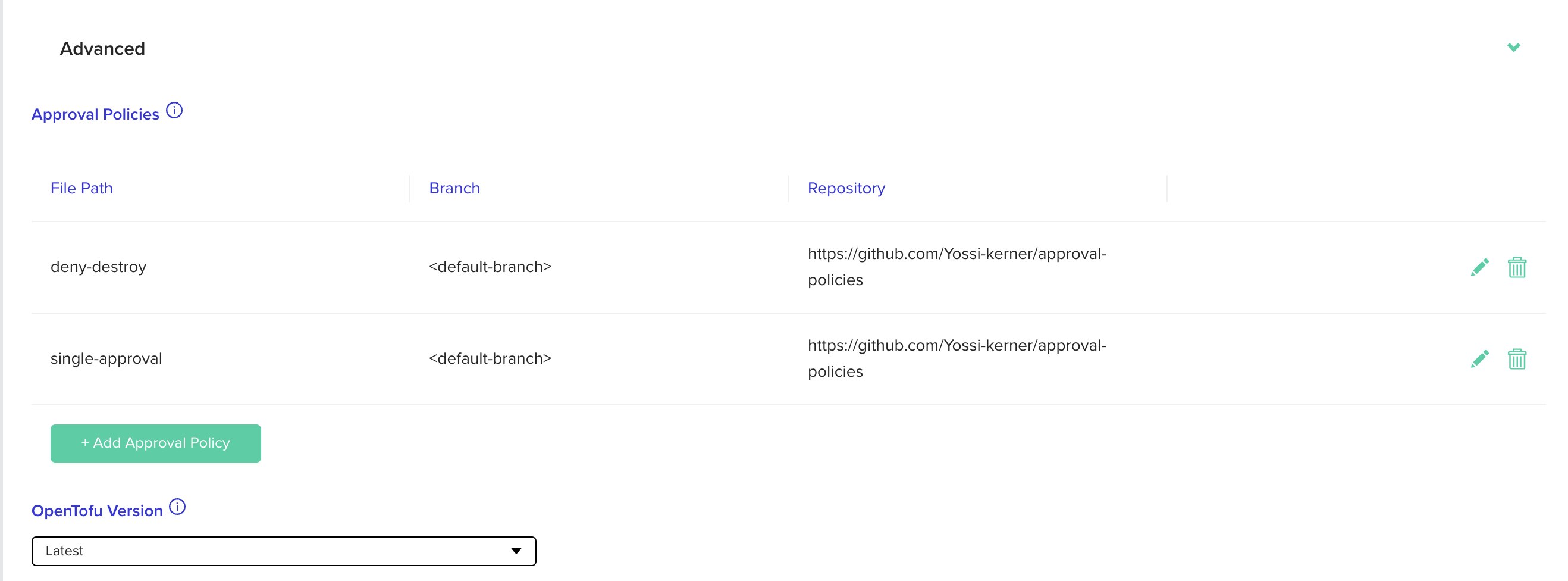
* Approval policies can now be assigned to a template, this allows enforcing certain policies on the created environments regardless of their location (the project it belongs to).
* It is now possible to execute both project and environment-level custom flows, this allows project admin to use custom flows to run validations and security checks while allowing environments to customize their hooks. Also, project-level custom flows apply on environments that sit under sub-projects, this allows utilizing the project / sub-projects hierarchy to configure custom flows.
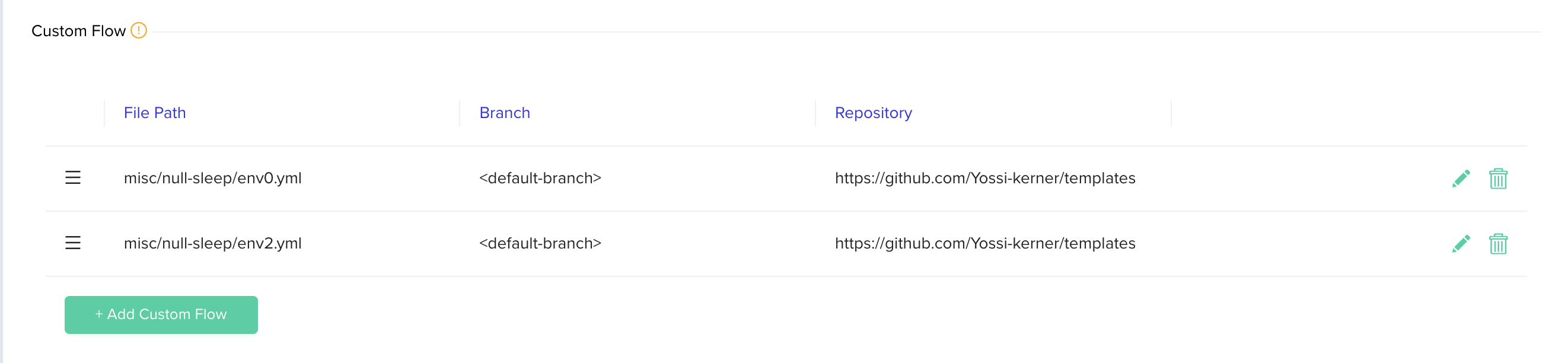
* A single project can also use multiple custom flows now allowing different checks/ validations to be organized in separate custom flow files each can be maintained by a different team or stored at a different location while still applying all of these to the same project. You can also reorder the custom flows in the table to decide their execution order.
If you are using a self hosted agent with a version earlier than `v3.0.731` you won't have access to the new approval policies enhancements until you upgrade it.
## Configuration
To configure multiple approval policies/custom flows for a project you can go to the project's policies settings page and click the `+Add Custom Flow / Approval Policy` button:
 To configure approval policies for a template you can go to the template's settings page and under the advanced section click the `+Add Approval Policy`button: