> ## Documentation Index
> Fetch the complete documentation index at: https://docs.envzero.com/llms.txt
> Use this file to discover all available pages before exploring further.
# Variable Sets
> Create reusable Variable Sets in env zero and assign them to organizations, projects, templates, or environments to eliminate duplicated variable configuration.
The release of Variable Sets! Variable Sets let you organize and manage frequently used variables, promoting consistency across projects.
For example, you might have multiple environments across different projects that spin up an RDS instance, you can create a Variable Set with all of the necessarily shared configurations (such as the "instance type", "engine" and so on) and use that Set in every environment that requires those variables. Create once and reuse wherever needed.
Variable Sets can be defined at the Organization level, making them accessible to all entities within env zero, or at the Project level, allowing for more granular control within specific projects and their sub-entities.
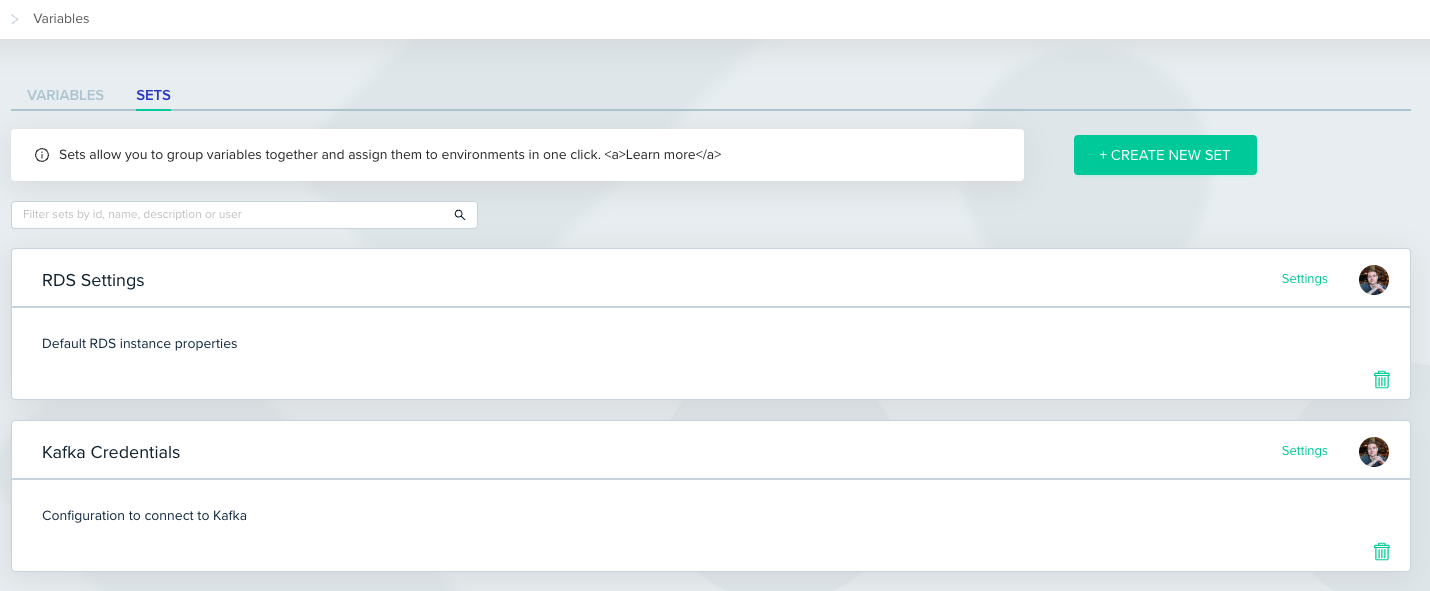
Creating a new Variable Set is intuitive. Navigate to the Organization/Project Variables page, switch to the `SETS` tab and click on the `CREATE NEW SET` button, fill in the Set's name and variables, and you're ready to go.
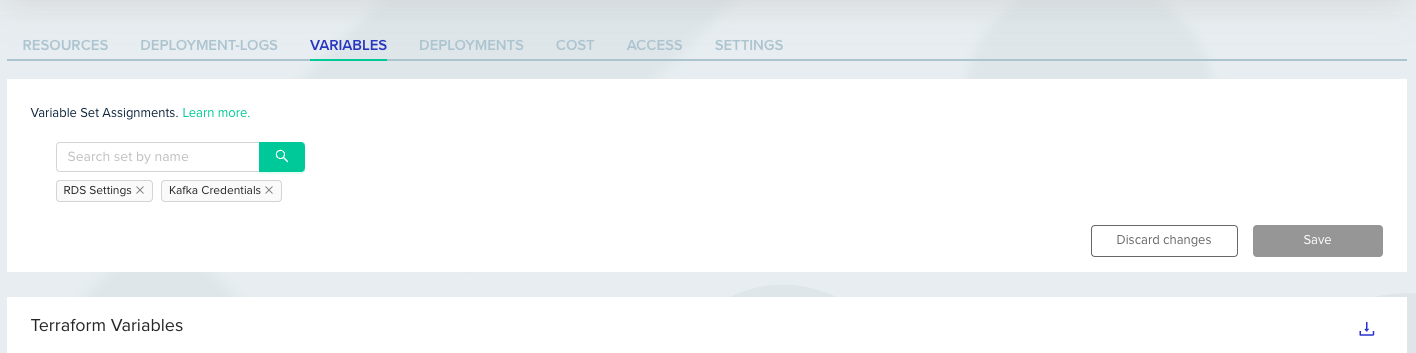
 Variable Sets can be assigned to Organizations, Projects, Templates, Workflows, or Environments, integrating into your existing workflows. Use the selector within the variables table to mark the sets you wish to use.
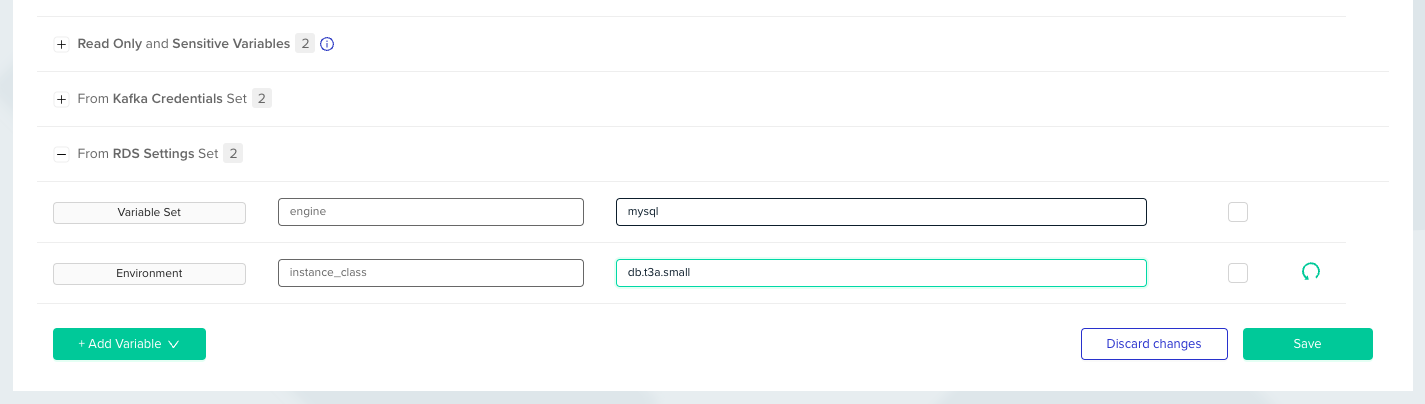
 Like any other variable in env zero, you can override variables within a Variable Set. Navigate to the Variable Set's group in the variables table and edit the variable's value as needed.
 For more info, read about [Variable Sets](/guides/admin-guide/variables/variable-sets).