> ## Documentation Index
> Fetch the complete documentation index at: https://docs.envzero.com/llms.txt
> Use this file to discover all available pages before exploring further.
# Manage Sub-Projects
> Create and manage sub-projects to organize environments, templates, and variables hierarchically in env zero, with per-level RBAC role assignments.
As your organization's IaC use grows, you might find that a single hierarchy level *Project* level is insufficient to organize all resources and domains. *Sub Projects* help you better organize your *Projects*, *Environments*, and configurations within your organization.
Sub Projects have similar configurations to *Projects* but are nested within other *Projects*. Each *Sub Project* may have its own *Environments*, *Templates*, *Variables*, etc. Users may be assigned different Roles for different *Projects* in a given hierarchy, e.g., only view a parent *Project*, but run plans under a *Sub Project*.
## Navigating to a Sub Project
### Projects Page
The *Organization's Projects Page* shows *Projects* that don't have a parent. Clicking on the \_ Project\_ will make it the [Active Project](/guides/admin-guide/projects/#active-projects) and will bring it to its own *Sub Projects* page if there are any, or to its *Environments* page. When clicking on another *Sub Project* the same rules apply - if there are more *Sub Projects* you'll be able to navigate into them and when there are no more *Sub Projects* the *environments* are shown
### Projects Menu
The menu shows only *Projects* without a *Parent Project*. Projects containing *Sub Projects* will have an arrow next to them. Hovering on the project will show you its *Sub Projects*. That way you can use the projects menu to access any project in your organization
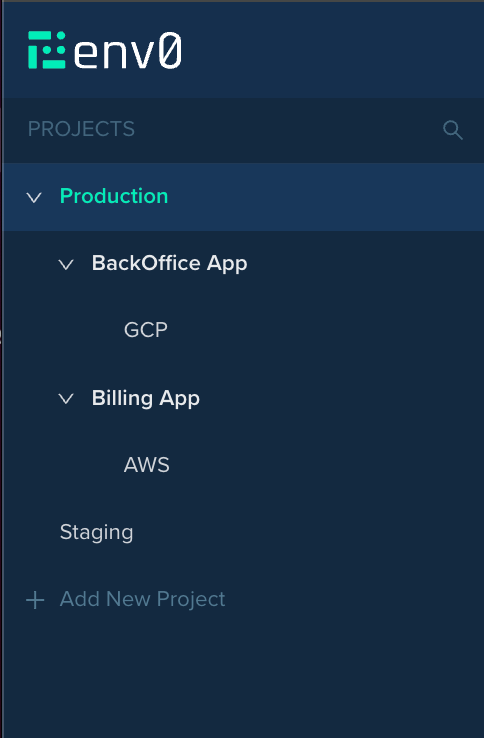 When choosing a *Project*, you may navigate to its *Sub Projects* page from the menu.
 ## Creating a Sub Project
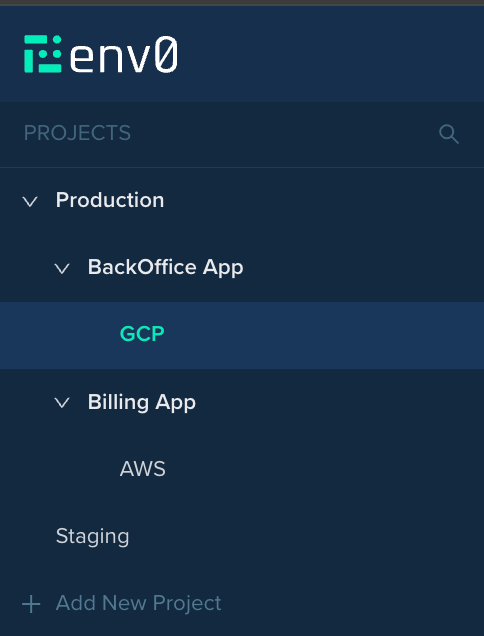
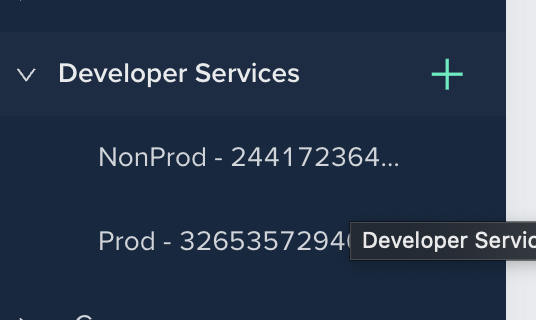
To create a subproject, hover over the desired project in the left navigation panel and press the plus icon.
## Creating a Sub Project
To create a subproject, hover over the desired project in the left navigation panel and press the plus icon.
 ## RBAC for Sub Projects
Each *Sub Project* inherits the *Roles* from its parent *Project* up to the root *Project*.
If a user doesn't have the *"View Project"* permission to view for a parent *Project*, but does have it on the *Sub Project*, the user may navigate the project using the menu items, with hovering over the ancestor *Projects* until the relevant project appears in the menu. Users are not allowed to click and navigate to any project they lack the *"View Project"* permission for.
**Associated Credentials and Templates, Policies, and configured Notifications only affect the Project in which they are configured, and not affecting any Sub Project under said Project. As for Costs, each Project takes into account its own Environments only, without any Environment in its Sub Projects.**
**Unlike the above, [Variables](/guides/admin-guide/variables) are inherited from Parent Projects to Sub Projects.**
## Environment migration from (sub) project to (sub) project
When using env zero local backend, migrating from 1 (sub) project to another (sub) project is not supported.
When using env zero remote backend, migrating from 1 (sub) project to another (sub) project requires the following procedure to be followed:
1. On a local machine:
* Log into env zero backend "terraform login backend.api.env0.com"
* Add the env zero remote backend code to the resource:
```yaml theme={null}
terraform {
backend "remote" {
hostname = "backend.api.env0.com"
organization = "[Org ID].[Project ID]"
workspaces {
name = "[Workspace Name]"
}
}
}
```
* Ensuring there are no ".terraform" files or folders in the directory
* Run "terraform init"
* Run "terraform plan" to ensure no changes are seen in the correct environment
* Run "terraform state pull > state2migrate.tfstate"
* Confirm the state2migrate.tfstate file has been populated.
* Update the project ID and workspace name in the code above. If a SubProject is being used, replace the Project ID with the SubProject ID (i.e., \[Org ID].\[SubProject ID]
* Remove the ".terraform" files and folders.
2. In env zero:
* Navigate to the new (sub) project location
* Create a new environment running from the same VCS code with the same terraform and environmental variables.\
\*\* Ensure auto-approval is turned off.\
\*\* Enable "Use env0 Remote Backend"
* Cancel the deployment at the "approve plan" stage as to not recreate the resources.
3. On the local machine:
* Run "terraform init"
* Run "terraform state push state2migrate.tfstate"
* Run "terraform plan" to ensure no changes are seen in the correct environment
4. In env zero:
* Redeploy the new environment and approve as no changes should be seen.
* Make the old environment inactive.
* (Optional) All local ".terraform" files and the remote backend configuration can be removed from the local machine.
## Moving Sub-Projects
Going into the project you want to move in the Project Settings of the page you can find a **Move** button
## RBAC for Sub Projects
Each *Sub Project* inherits the *Roles* from its parent *Project* up to the root *Project*.
If a user doesn't have the *"View Project"* permission to view for a parent *Project*, but does have it on the *Sub Project*, the user may navigate the project using the menu items, with hovering over the ancestor *Projects* until the relevant project appears in the menu. Users are not allowed to click and navigate to any project they lack the *"View Project"* permission for.
**Associated Credentials and Templates, Policies, and configured Notifications only affect the Project in which they are configured, and not affecting any Sub Project under said Project. As for Costs, each Project takes into account its own Environments only, without any Environment in its Sub Projects.**
**Unlike the above, [Variables](/guides/admin-guide/variables) are inherited from Parent Projects to Sub Projects.**
## Environment migration from (sub) project to (sub) project
When using env zero local backend, migrating from 1 (sub) project to another (sub) project is not supported.
When using env zero remote backend, migrating from 1 (sub) project to another (sub) project requires the following procedure to be followed:
1. On a local machine:
* Log into env zero backend "terraform login backend.api.env0.com"
* Add the env zero remote backend code to the resource:
```yaml theme={null}
terraform {
backend "remote" {
hostname = "backend.api.env0.com"
organization = "[Org ID].[Project ID]"
workspaces {
name = "[Workspace Name]"
}
}
}
```
* Ensuring there are no ".terraform" files or folders in the directory
* Run "terraform init"
* Run "terraform plan" to ensure no changes are seen in the correct environment
* Run "terraform state pull > state2migrate.tfstate"
* Confirm the state2migrate.tfstate file has been populated.
* Update the project ID and workspace name in the code above. If a SubProject is being used, replace the Project ID with the SubProject ID (i.e., \[Org ID].\[SubProject ID]
* Remove the ".terraform" files and folders.
2. In env zero:
* Navigate to the new (sub) project location
* Create a new environment running from the same VCS code with the same terraform and environmental variables.\
\*\* Ensure auto-approval is turned off.\
\*\* Enable "Use env0 Remote Backend"
* Cancel the deployment at the "approve plan" stage as to not recreate the resources.
3. On the local machine:
* Run "terraform init"
* Run "terraform state push state2migrate.tfstate"
* Run "terraform plan" to ensure no changes are seen in the correct environment
4. In env zero:
* Redeploy the new environment and approve as no changes should be seen.
* Make the old environment inactive.
* (Optional) All local ".terraform" files and the remote backend configuration can be removed from the local machine.
## Moving Sub-Projects
Going into the project you want to move in the Project Settings of the page you can find a **Move** button
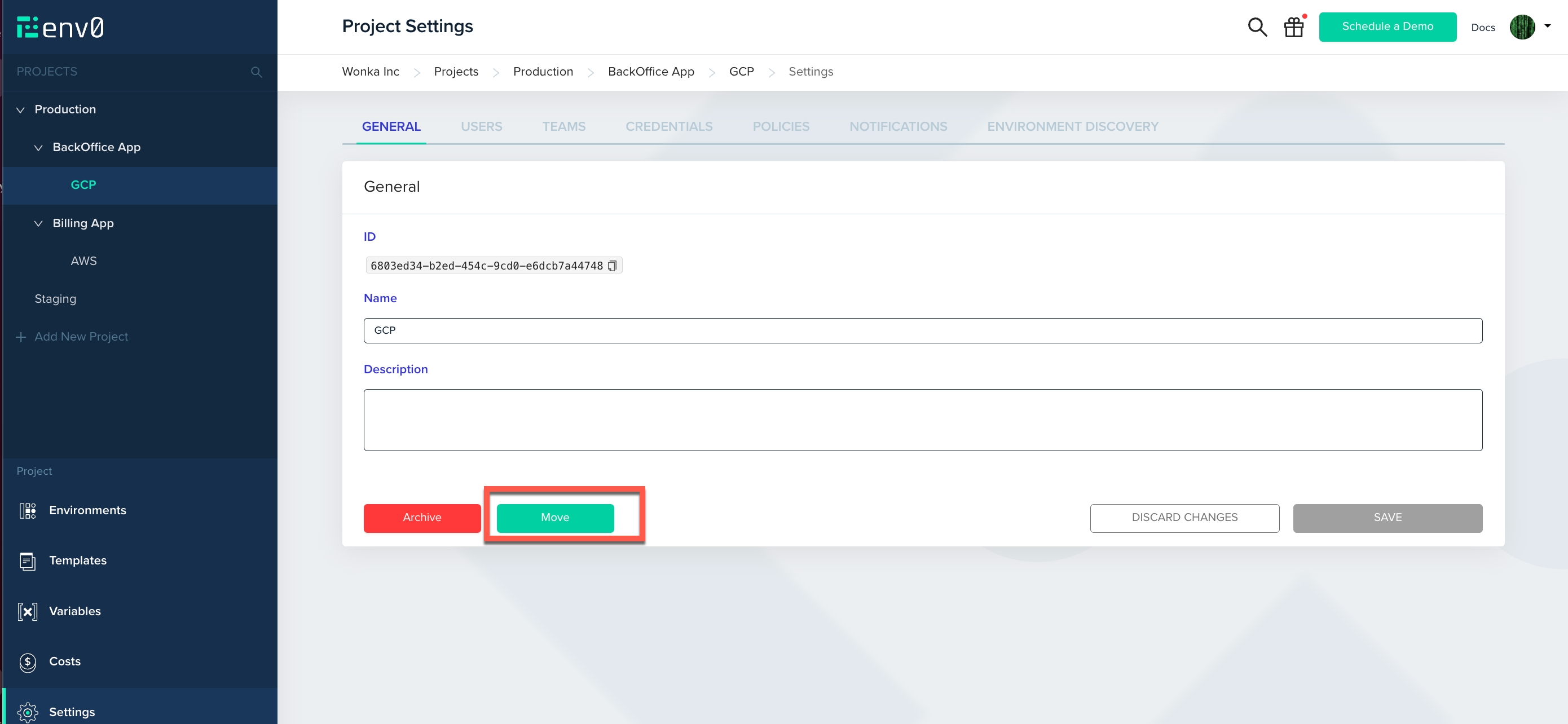 Using that button will open a popup allowing you to select which project you want that project to move into
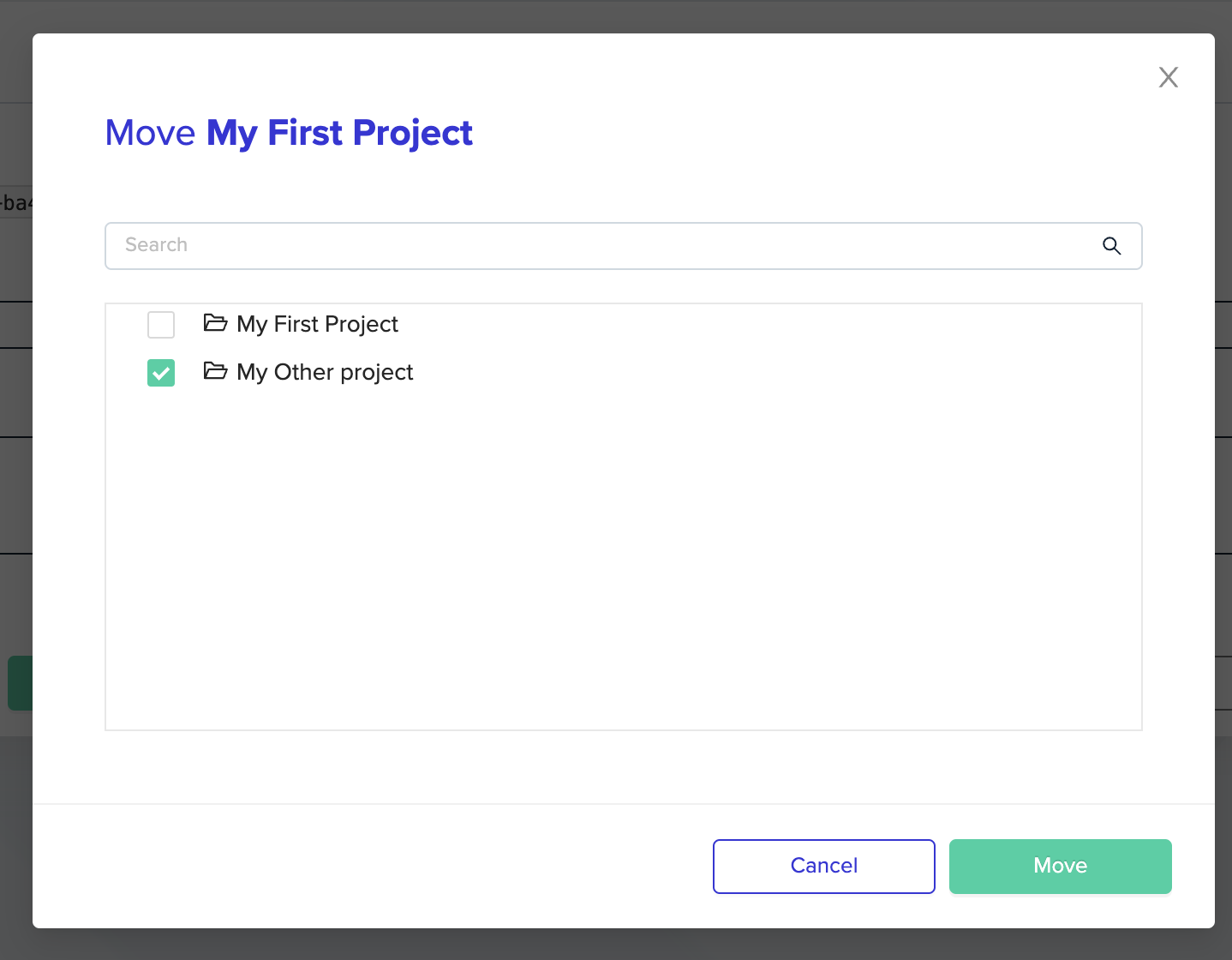 After pressing the Move button on the project selection popup the project (and its subprojects if it has any) will be moved to the selected target project
## Suggested Blog Content
[Terraform Modules Guide](https://www.env0.com/blog/terraform-modules)
[Terraform Plan Examples](https://www.env0.com/blog/terraform-plan)
[Managing Terraform Variable Hierarchy](https://www.env0.com/blog/managing-terraform-variable-hierarchy)
[ Manage Terraform Remote State with a Remote Backend](https://www.env0.com/blog/terraform-remote-state-using-a-remote-backend)
## Next steps
* [Manage Projects](/guides/admin-guide/projects) - Understand the parent project structure.
* [Role-Based Access Control (RBAC)](/guides/admin-guide/user-role-and-team-management/rbac) - Assign roles at each level of the hierarchy.
* [Managing Variables](/guides/admin-guide/variables) - Set variables that inherit across sub-project levels.
After pressing the Move button on the project selection popup the project (and its subprojects if it has any) will be moved to the selected target project
## Suggested Blog Content
[Terraform Modules Guide](https://www.env0.com/blog/terraform-modules)
[Terraform Plan Examples](https://www.env0.com/blog/terraform-plan)
[Managing Terraform Variable Hierarchy](https://www.env0.com/blog/managing-terraform-variable-hierarchy)
[ Manage Terraform Remote State with a Remote Backend](https://www.env0.com/blog/terraform-remote-state-using-a-remote-backend)
## Next steps
* [Manage Projects](/guides/admin-guide/projects) - Understand the parent project structure.
* [Role-Based Access Control (RBAC)](/guides/admin-guide/user-role-and-team-management/rbac) - Assign roles at each level of the hierarchy.
* [Managing Variables](/guides/admin-guide/variables) - Set variables that inherit across sub-project levels.