> ## Documentation Index
> Fetch the complete documentation index at: https://docs.envzero.com/llms.txt
> Use this file to discover all available pages before exploring further.
# Creating and Managing API Keys
> Create and manage API keys for programmatic access to env zero, the Terraform provider, and the private module registry, with configurable roles.
As an organization admin, it is possible to create API keys that can use env zero without interacting with the UI. for example, you can use our [API](/api-reference/credentials/create-api-key) directly, work with our [Terraform Provider](https://github.com/env0/terraform-provider-env0) or use our [Private Module Registry](/guides/admin-guide/private-registry/modules).
Deleting an API key
When deleting an API key it might take up to 1 hour for it to completely expire.
## How to create an API key
From *Organization Settings* navigate to *API Keys* tab:
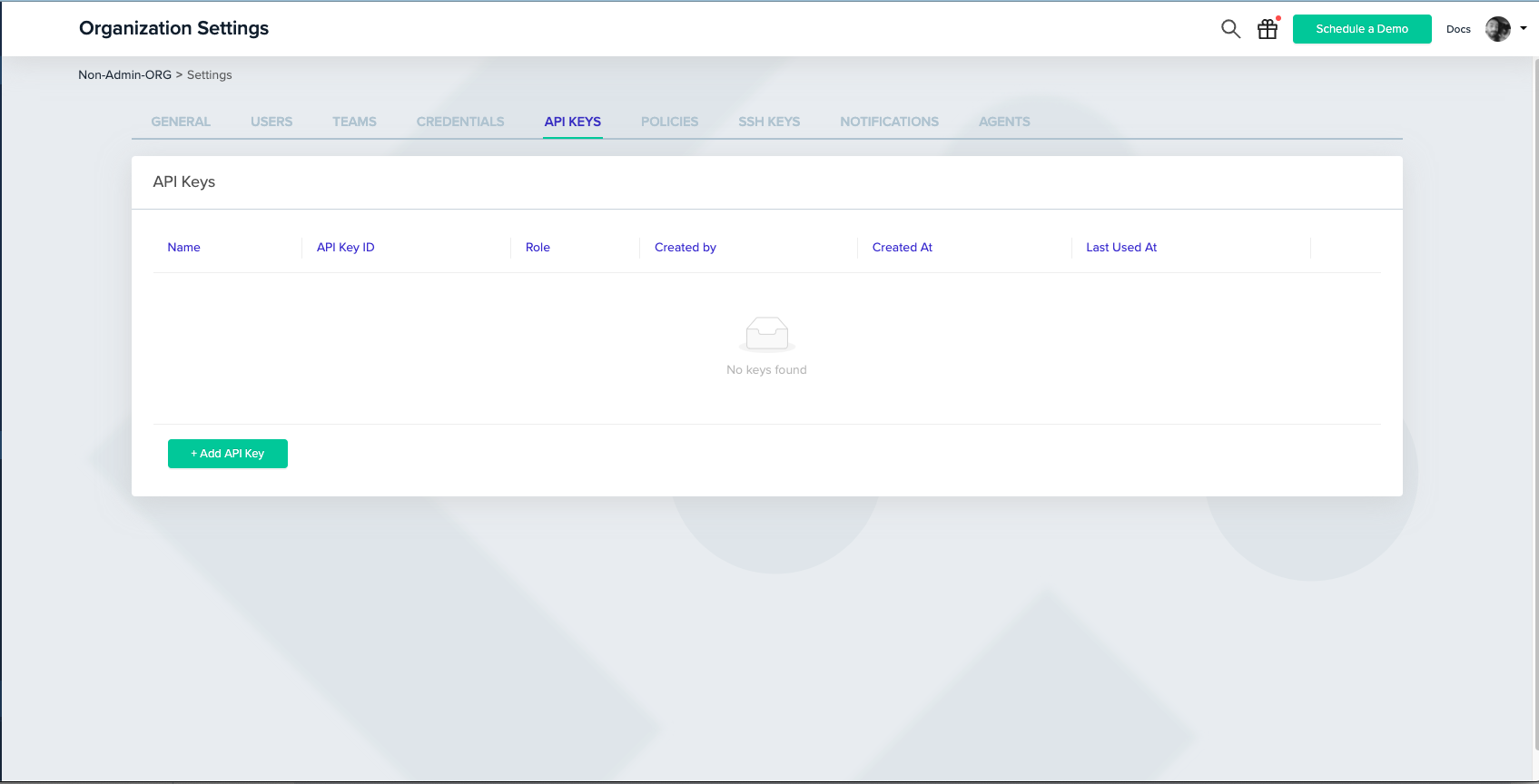 Click the + button to see the create API key modal.\
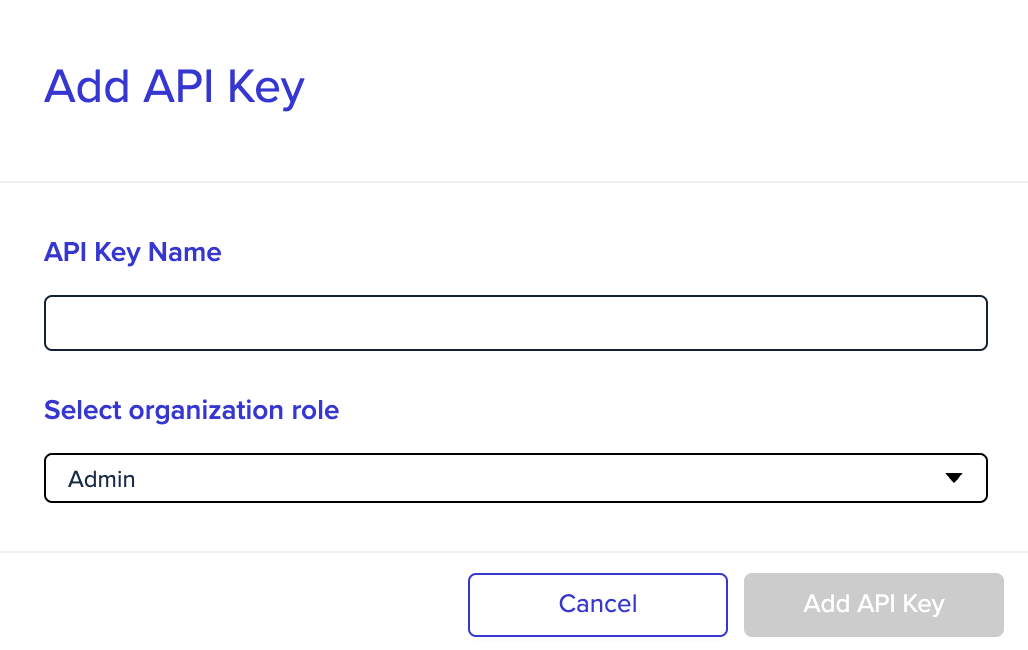
By default, the role of the key will be Admin, but you can also assign it to a user role, and provide specific project permission (just like when inviting a new user to the platform):
Click the + button to see the create API key modal.\
By default, the role of the key will be Admin, but you can also assign it to a user role, and provide specific project permission (just like when inviting a new user to the platform):
 ## Admin API Key
With an admin API key, you can perform any request that requires admin permission: changing organization settings, deploying and approving environments, etc.\
You can check our full API in the [API reference](/api-reference).
## Non-Admin API Key
With a non-admin (User) API key, you can provide members of your team with the ability to use our API, while maintaining your organization's RBAC.\
When creating a user API key, it can be configured with specific project permissions, assigned to a team, and treated like any other user in the system.
## Admin API Key
With an admin API key, you can perform any request that requires admin permission: changing organization settings, deploying and approving environments, etc.\
You can check our full API in the [API reference](/api-reference).
## Non-Admin API Key
With a non-admin (User) API key, you can provide members of your team with the ability to use our API, while maintaining your organization's RBAC.\
When creating a user API key, it can be configured with specific project permissions, assigned to a team, and treated like any other user in the system.
 ## Personal API Key
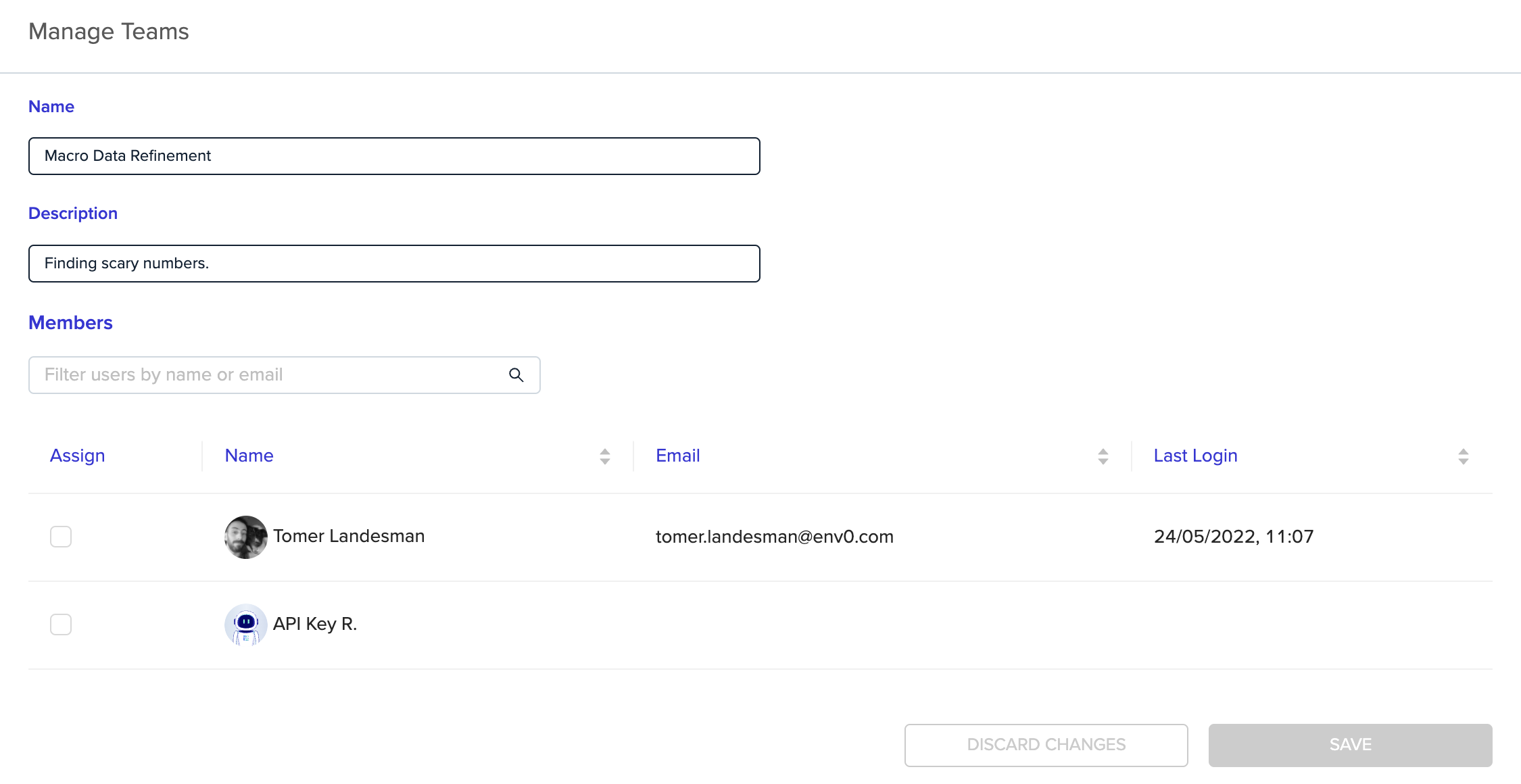
With a personal API key, members of your team can be provided with the ability to use our API with the same permissions they have configured in their env zero account.
Every user can generate a personal API key, you can read more about it in our [API docs](/api-reference/credentials/create-api-key).
## Next steps
* [Manage Users](/guides/admin-guide/user-role-and-team-management/user-management) - Invite and manage user accounts in your organization.
* [Role-Based Access Control (RBAC)](/guides/admin-guide/user-role-and-team-management/rbac) - Configure permissions for API key roles.
* [SSH Key Management in env zero](/guides/collaborate-securely/authentication-tokens-and-ssh-keys/ssh-keys) - Manage SSH keys for VCS and environment access.
## Personal API Key
With a personal API key, members of your team can be provided with the ability to use our API with the same permissions they have configured in their env zero account.
Every user can generate a personal API key, you can read more about it in our [API docs](/api-reference/credentials/create-api-key).
## Next steps
* [Manage Users](/guides/admin-guide/user-role-and-team-management/user-management) - Invite and manage user accounts in your organization.
* [Role-Based Access Control (RBAC)](/guides/admin-guide/user-role-and-team-management/rbac) - Configure permissions for API key roles.
* [SSH Key Management in env zero](/guides/collaborate-securely/authentication-tokens-and-ssh-keys/ssh-keys) - Manage SSH keys for VCS and environment access.