> ## Documentation Index
> Fetch the complete documentation index at: https://docs.envzero.com/llms.txt
> Use this file to discover all available pages before exploring further.
# Backstage Integration
> Set up the env zero Backstage plugin to give developers self-service IaC environment creation and management from within the Backstage catalog.
[Backstage](https://backstage.io/) is an open platform that allows organizations to create internal developer portals. These portals centralize tools, documentation, and workflows, providing developers with a single interface to access the resources they need for their projects. By integrating env zero's Backstage plugin, teams can extend their developer portal to include IaC management.
## About env zero's Backstage Plugin
The env zero Backstage plugin integrates env zero's Infrastructure as Code automation platform into Backstage. This enables administrators to configure templates and workflows that provide developers with self-service access to IaC environments while maintaining oversight and governance.
With this plugin
**Admins can:**
* **Configure Backstage templates** tailored to organizational needs and policies.
* **Enable developers** to create and manage environments via env zero.
**Developers can:**
* **Select the appropriate template** for the infrastructure they need and create new environments in env zero directly from Backstage.
* **Search for and view environments** within the Backstage catalog to efficiently find and manage resources.
* **Access detailed environment views**, including deployment history and options to redeploy environments with updated variables.
## Getting Started
* **Install the Plugin**: Visit the [env zero Backstage Plugin repository on GitHub](https://github.com/env0/env0-backstage-plugin) and follow the installation instructions.
* **Configure the Plugin**: Link env zero to Backstage using your organization's [API key](/guides/admin-guide/user-role-and-team-management/api-keys), and set up templates with variables, approval workflows, and policies.
For additional information, advanced configurations, and troubleshooting, refer to the documentation available in the [GitHub repository](https://github.com/env0/env0-backstage-plugin).
## Next steps
* [Platform Overview](/guides/integrations/internal-developer-platforms) - See all supported internal developer platforms.
* [User API Keys](/guides/collaborate-securely/collaboration-and-dev-tools/command-line-and-api-access/api-keys) - Create an API key to link env zero to Backstage.
* [Environment Overview](/guides/admin-guide/environments) - Manage environments your developers create through Backstage.
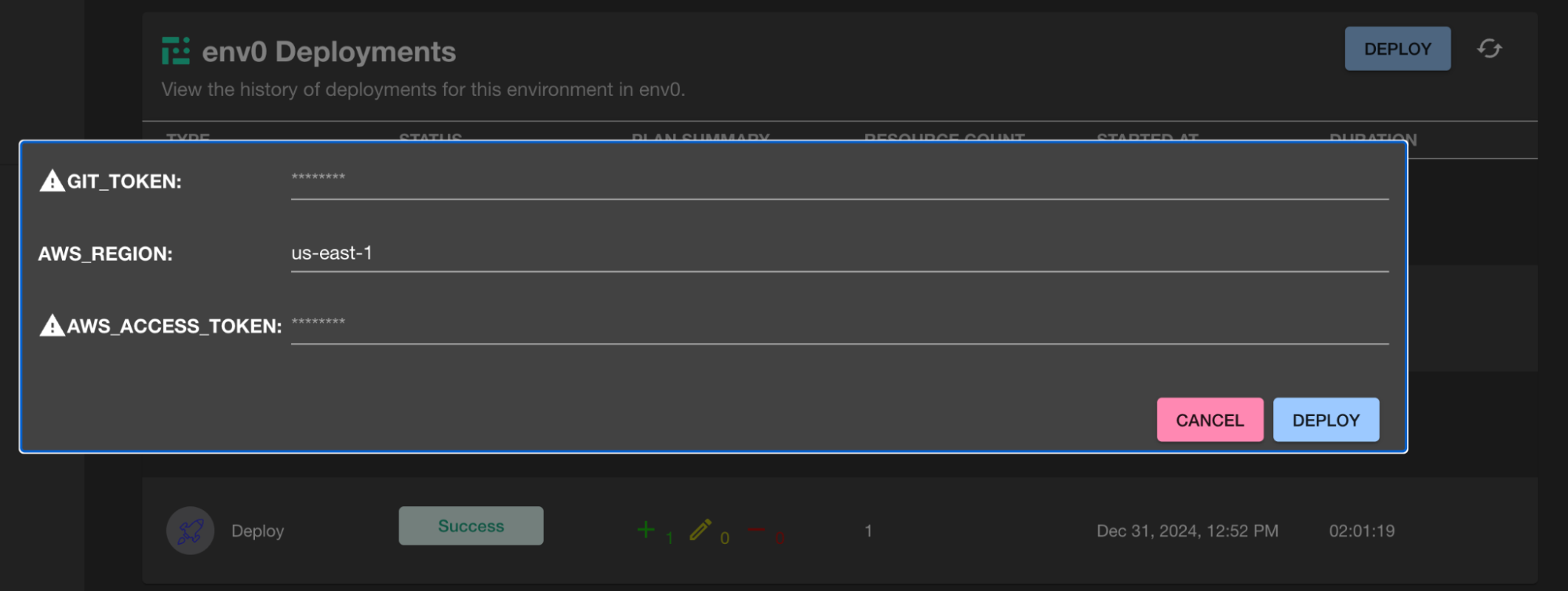 * **Search for and view environments** within the Backstage catalog to efficiently find and manage resources.