> ## Documentation Index
> Fetch the complete documentation index at: https://docs.envzero.com/llms.txt
> Use this file to discover all available pages before exploring further.
# Set Environment Limits
> Restrict the number of active environments in an env zero project by setting per-user and per-project limits in the Project Settings Policies tab.
## Control Number of Environments
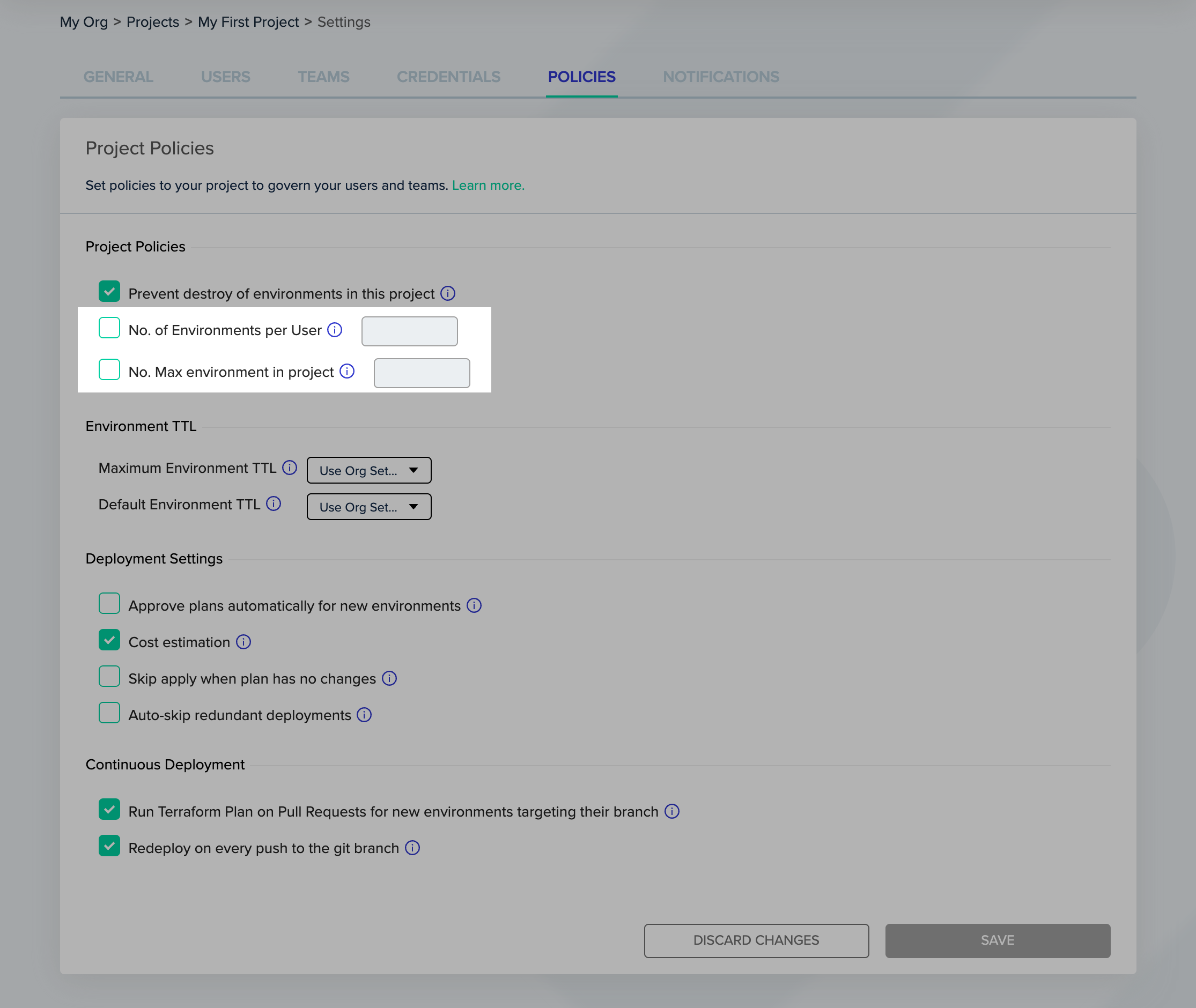
env zero allows you to restrict the number of active environments in each project. You can limit both the number of environments allowed per user, and the total amount of environments in the project. By default projects have no restrictions on the number of environments allowed.
You must be a Project Admin for the project you would like to create this restriction for. Go to "Project Settings" and select the "Policies" tab. There you can set a restriction on the number of active environments allowed.
 ### Control Number of Environments Allowed per User
Note
This restriction does not affect users that have Project Admin or Organization Admin privileges.
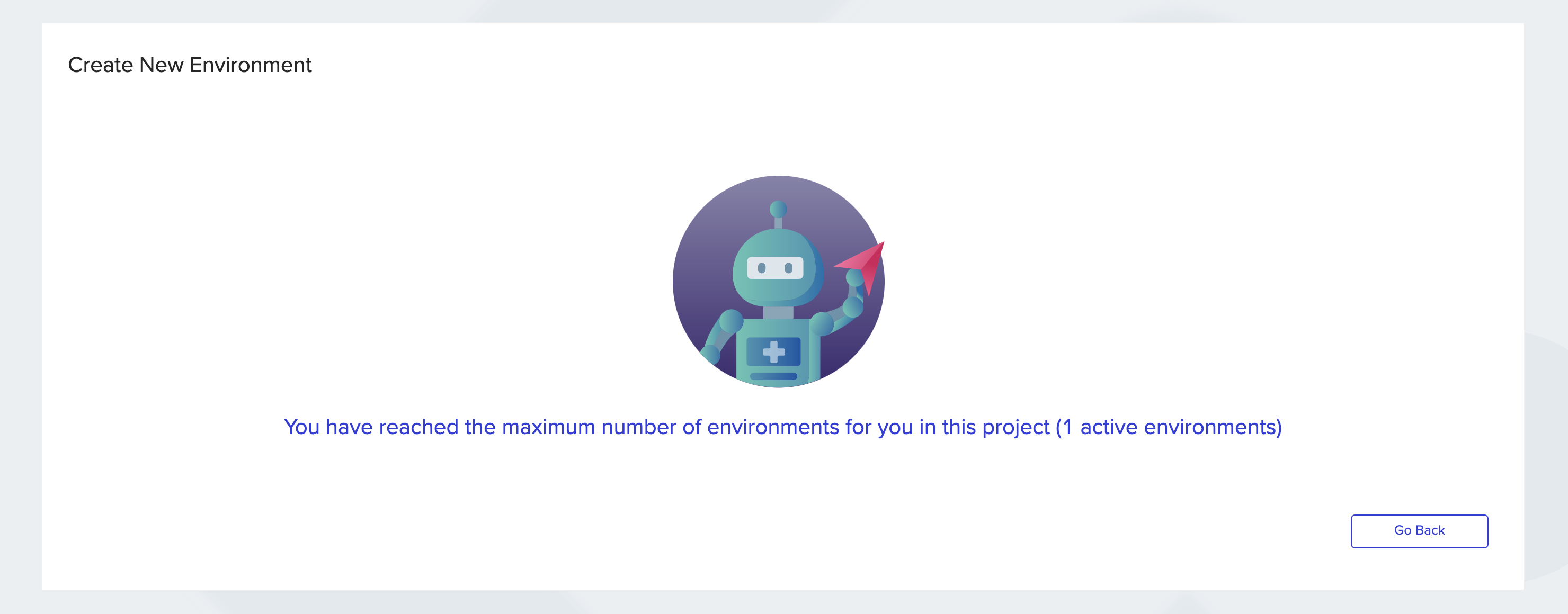
When a user tries to deploy an environment, and this deployment will cause the user to exceed the allowed number of active environments for the user in the project, the user will get the following error:
### Control Number of Environments Allowed per User
Note
This restriction does not affect users that have Project Admin or Organization Admin privileges.
When a user tries to deploy an environment, and this deployment will cause the user to exceed the allowed number of active environments for the user in the project, the user will get the following error:
 ### Control Number of Environments Allowed in Entire Project
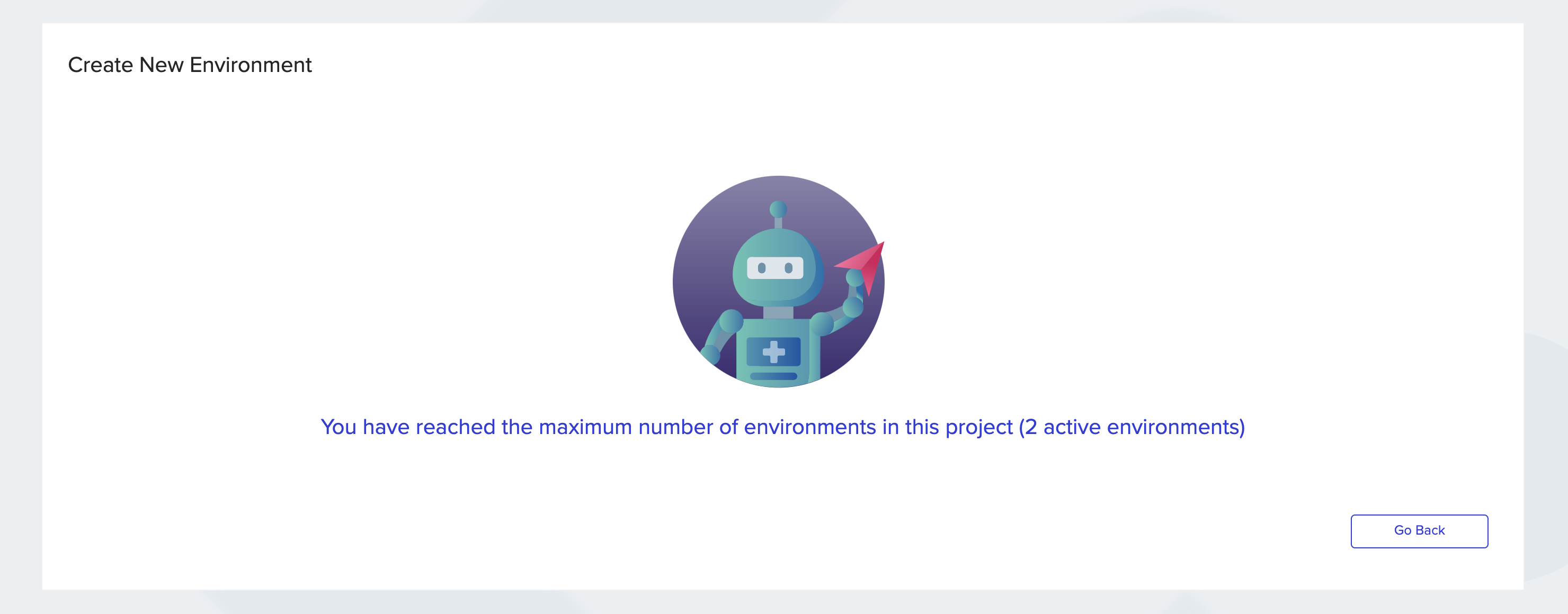
When a user tries to deploy an environment, and the project already exceeds the allowed number of active environments in the project, the user will get the following error:
### Control Number of Environments Allowed in Entire Project
When a user tries to deploy an environment, and the project already exceeds the allowed number of active environments in the project, the user will get the following error:
 ## Next steps
* [Configure Policy TTL](/guides/policies-governance/policy-ttl) - Set default and maximum environment lifetimes.
* [Enable Destroy Protection](/guides/policies-governance/destroy-protection) - Prevent accidental environment destruction.
* [Manage Policies](/guides/policies-governance/policies) - Review all available governance policy types.
## Next steps
* [Configure Policy TTL](/guides/policies-governance/policy-ttl) - Set default and maximum environment lifetimes.
* [Enable Destroy Protection](/guides/policies-governance/destroy-protection) - Prevent accidental environment destruction.
* [Manage Policies](/guides/policies-governance/policies) - Review all available governance policy types.