
Documentation Index

Fetch the complete documentation index at: https://docs.envzero.com/llms.txt

Use this file to discover all available pages before exploring further.

With the env zero platform, you can automatically tag all your resources and monitor your cloud spending in various ways. You can now set up a budget per project to track spending and get notified when the cost surpasses your chosen thresholds. Configure your budget limit per week, month, or year, and the thresholds you want to receive notifications.

Configure Your Budget

If you enable cost monitoring in your project, you will also be able to set up a budget for your project.
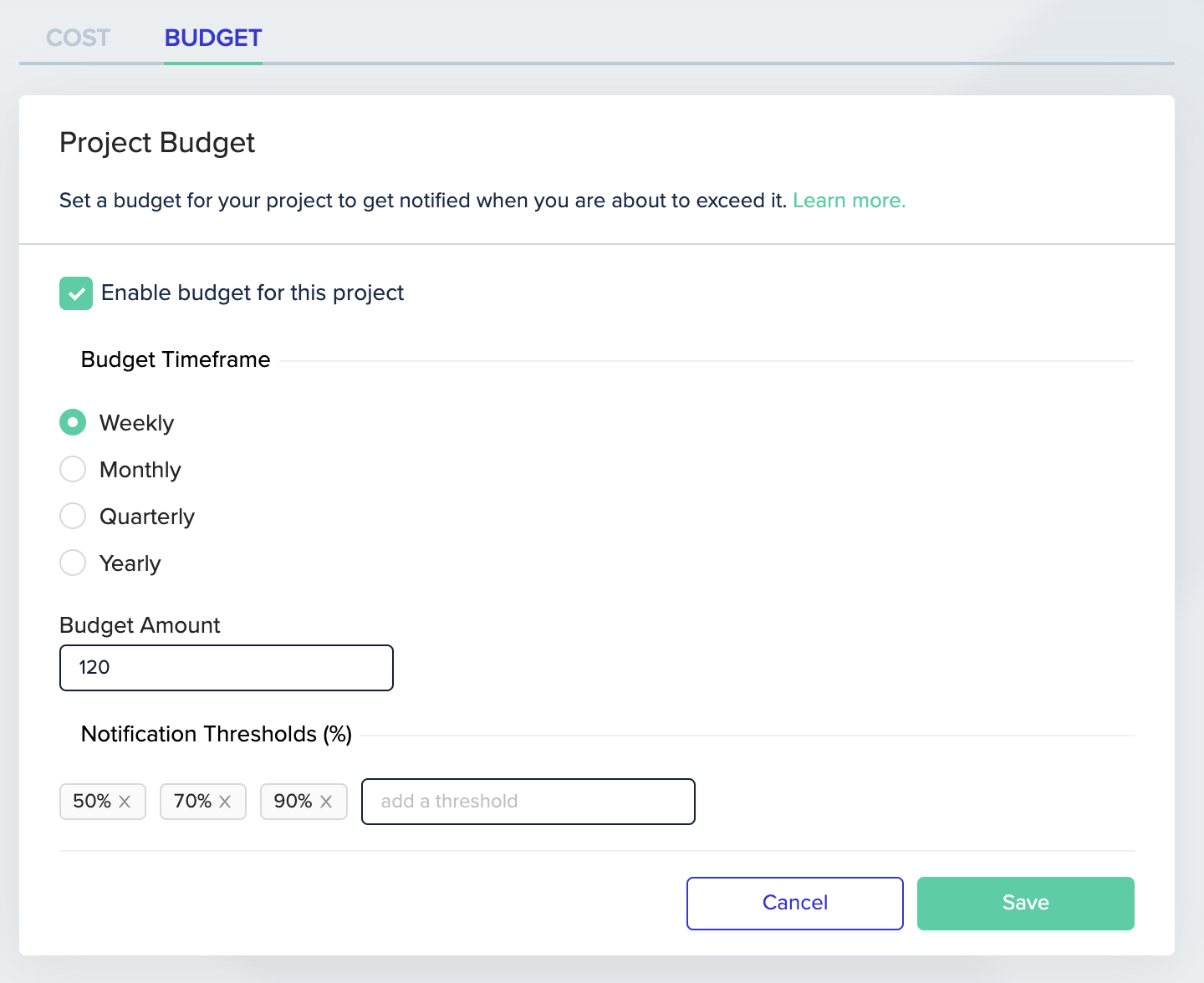
Feature demonstration screenshot showing new functionality
env zero will monitor your cloud spending directly from your cloud provider, and based on the configured budget will alert you once you reach that threshold. You can learn more about this feature and how to set it up here.