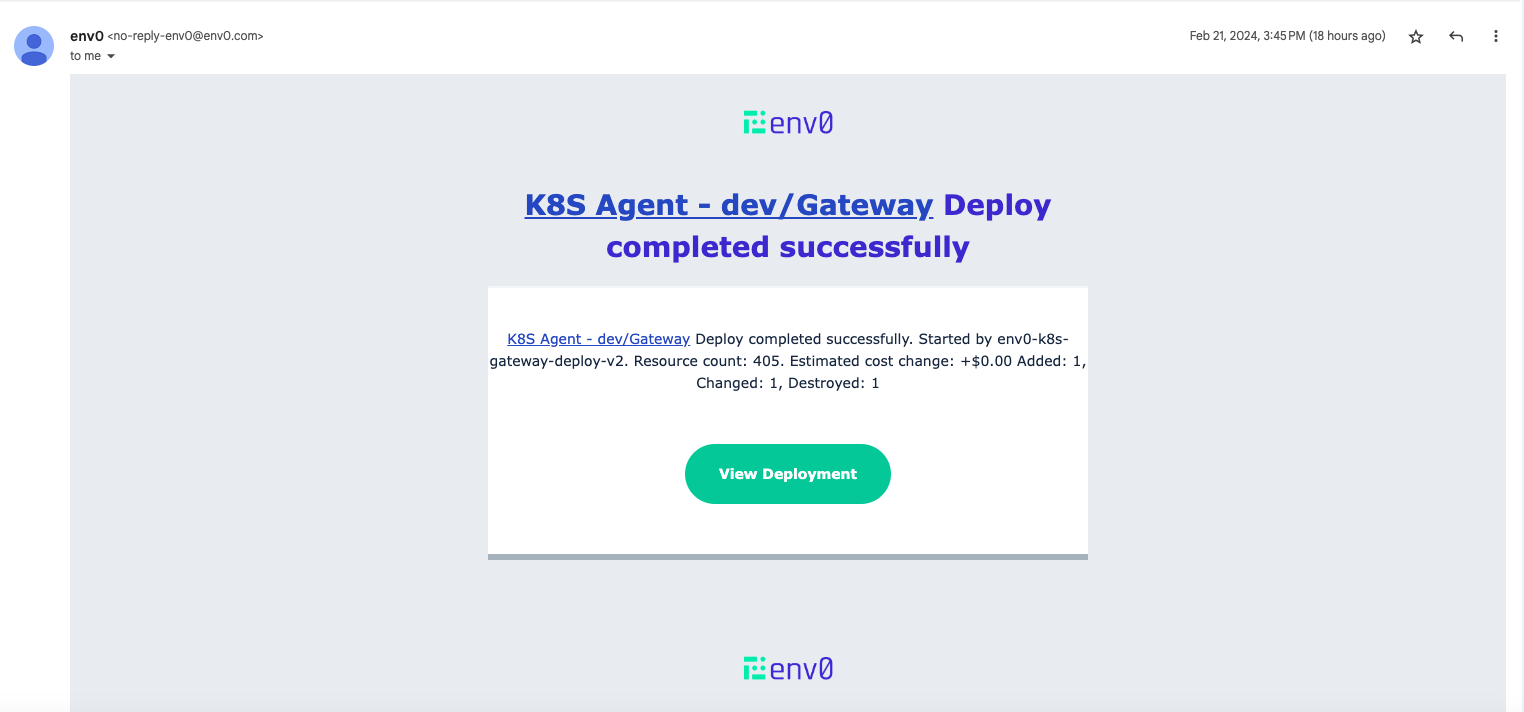
Legacy Email Notifications Current legacy email notifications will be disabled in 2 weeks time.
Add Email Notification
To enable email notifications, visit your organization settings and under notifications we have added email support.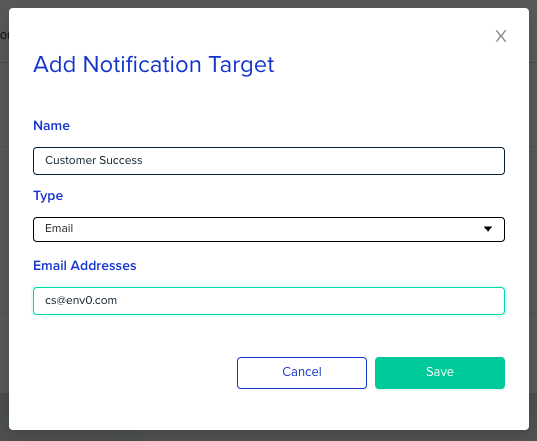
Configure your project to send notifications
Configure the events you would like to be notified about, as described in our docs:- Navigate to your Project Settings, and open the Notifications tab.
- Find the Notification Target you’ve previously added and click on the edit icon () next to it.
- Select the events you’d like to get notified of, from this project to this notification target.
- Click Save.
Receive Email Notifications