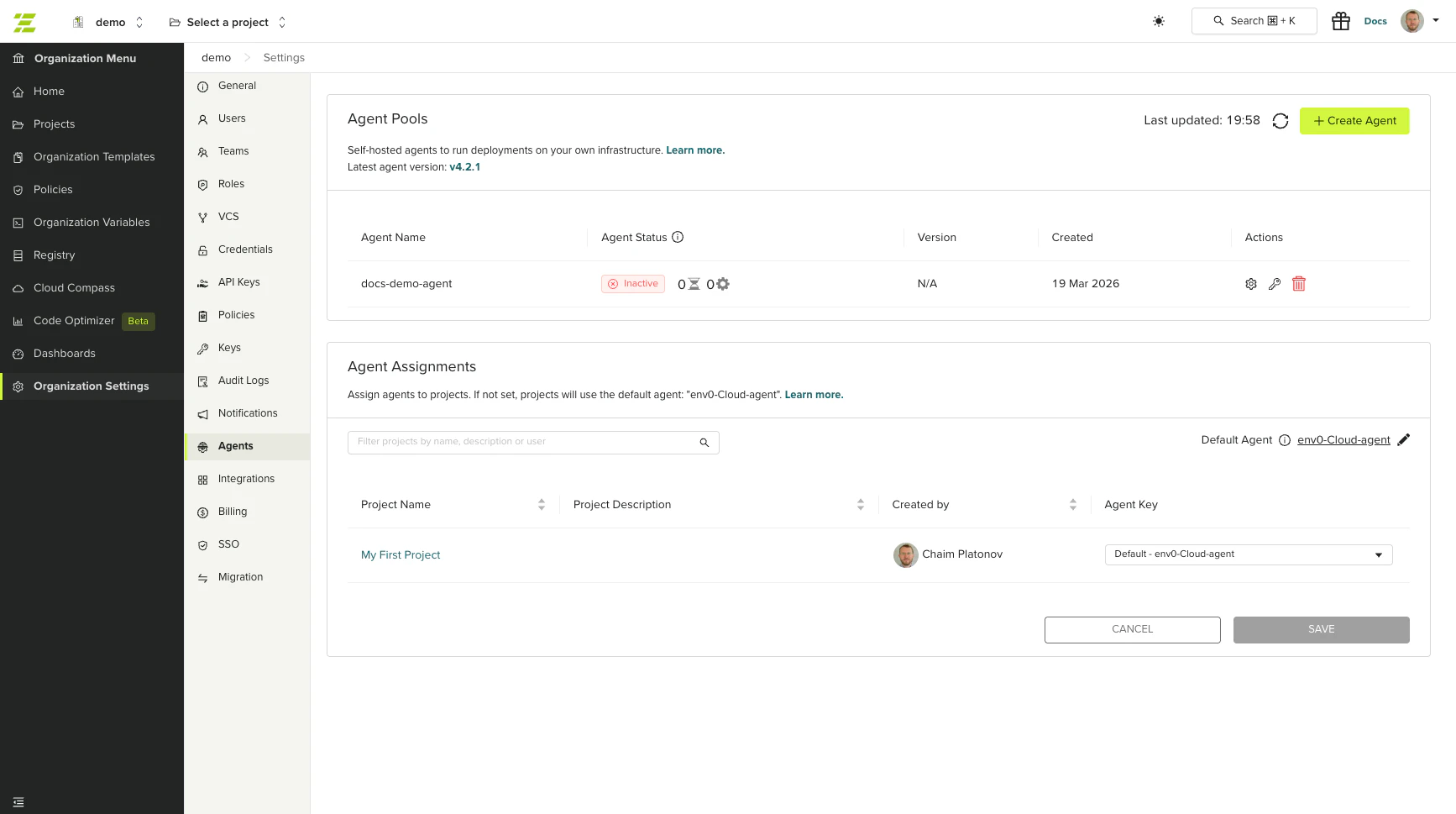
Organization admins can now create and manage self-hosted agent pools directly from the env zero UI, without contacting support. Navigate to Organization Settings → Agents to create pools, generate authentication secrets, and start deploying.
Agents page showing agent pools and project assignments

What’s included

  • Create agent pools on demand
  • Generate authentication secrets with one-click install commands
  • Support for two concurrent secrets per pool for zero-downtime rotation
  • Assign agents to specific projects from the Agents tab
Learn more in the Self-Hosted Agents Overview documentation or see Running Multiple Self-Hosted Agents for multi-agent setups.