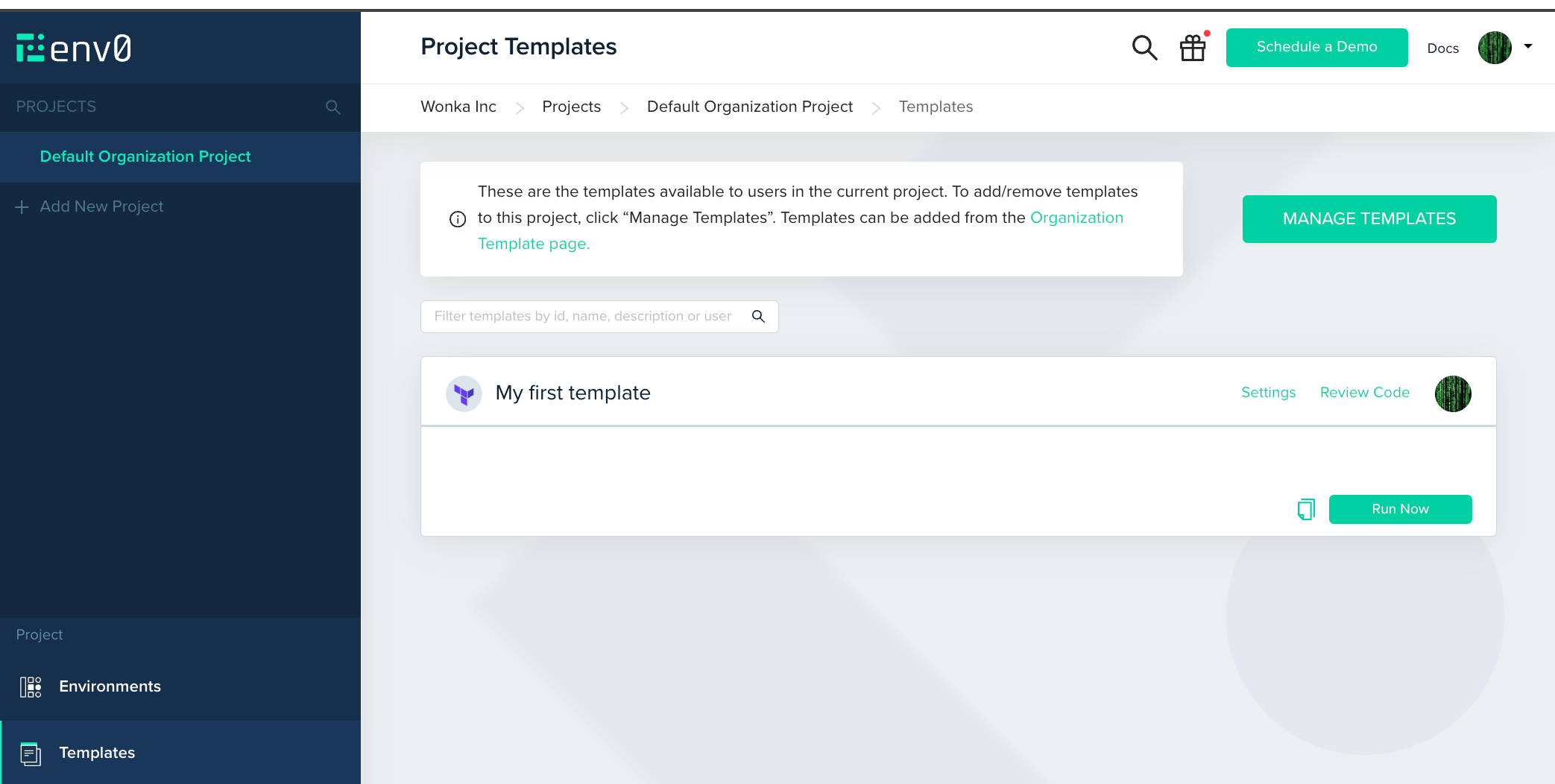
- Go to your Default Organization Project and enter the Project Templates page
- Find the template you’ve added, and click Run Now
- You can review the settings this environment will be created with. If it requires any additional variables, you can add them here.
- Click Run