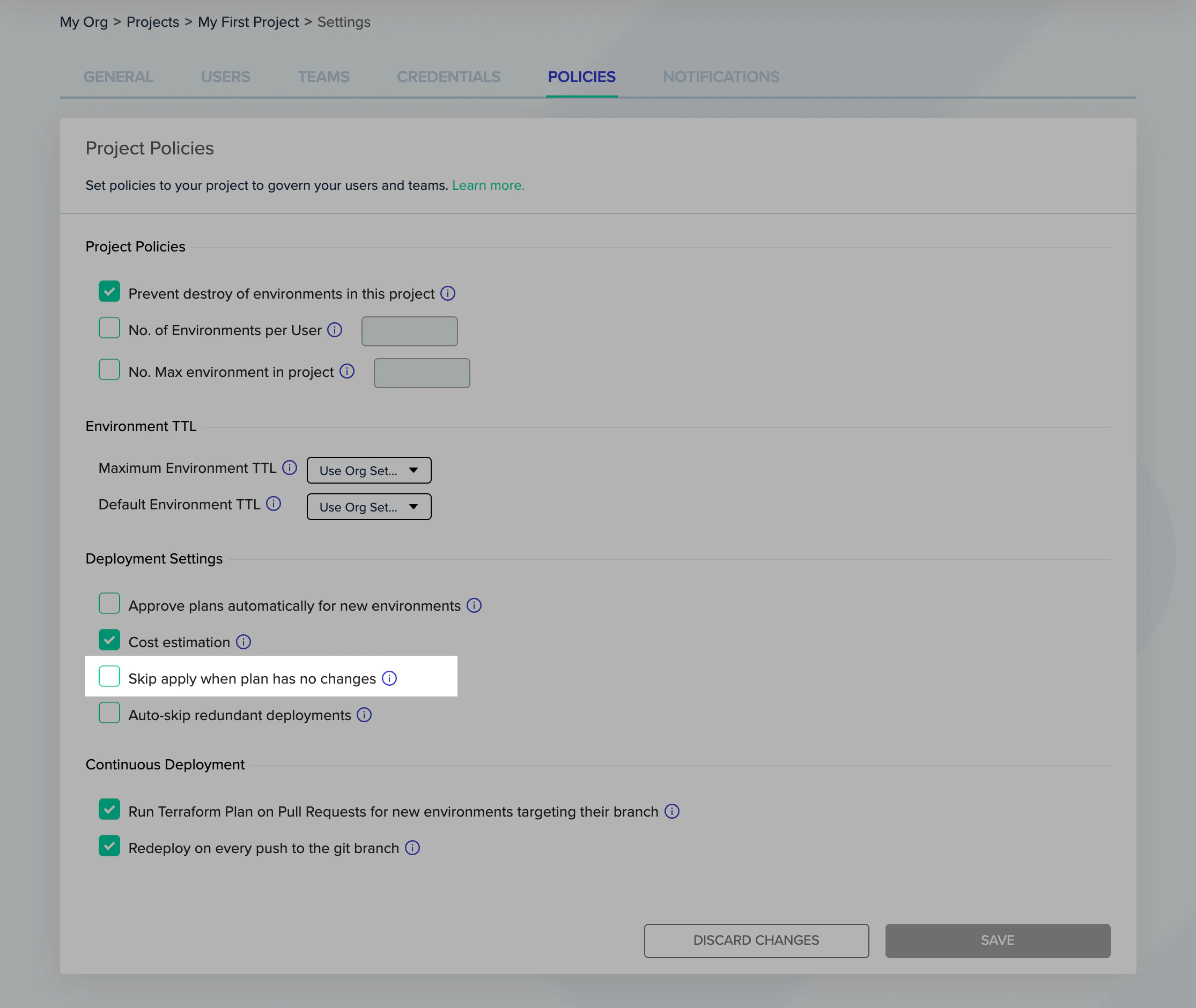
If you mark “Skip apply when plan has no changes”, under “Project Settings” -> “Policies” tab, the apply step will be skipped completely when there are no pending resource changes in the terraform plan. This is especially useful for automated deploys, in case you want to have your continuous deployment / scheduled environments require user approval to apply. In such a case, checking this box will only require user approval for plans that have actual resource changes in them.Documentation Index
Fetch the complete documentation index at: https://docs.envzero.com/llms.txt
Use this file to discover all available pages before exploring further.

Next steps
- Avoiding Redundant Deployments - Skip queued deployments when only the latest version matters.
- Using Continuous Deployment - Configure automatic redeployment on every git push.
- Additional Deployment Controls - Set advanced deployment behavior using environment variables.