

Overview
The Module Usage feature provides insights into how your modules are being utilized across different environments. It includes charts that help understand module adoption and usage trendsHow to Access Module Usage
To view module usage statistics:- Navigate to the module registry and select a module.
- Select the Module Usage tab.
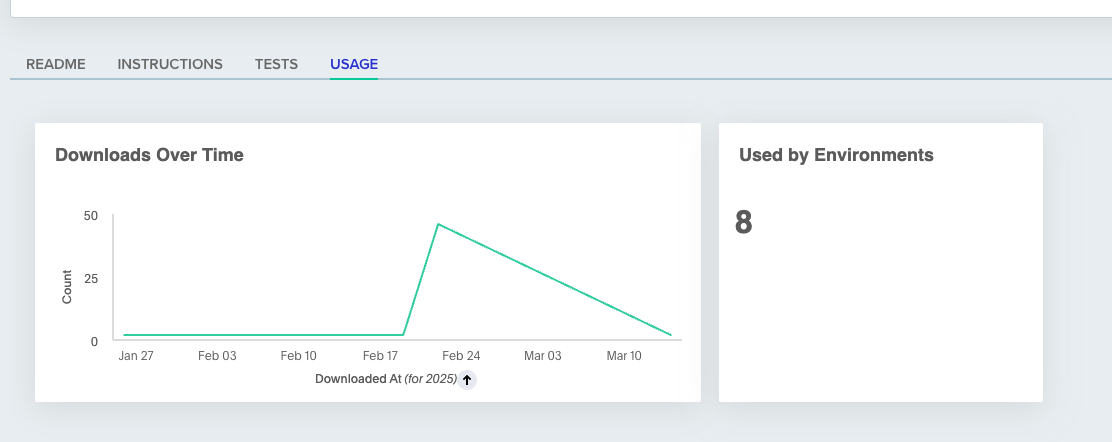
Downloads Over Time
The module download counter tracks the number of times each module has been pulled. This feature enables you to:- Monitor the traction of your modules.
- Understand adoption rates over time.
Used By Environments
This counter displays the number of environments that currently use on this module. It helps you:- Monitor the popularity of your modules.
- Understand the dependency between your environments and modules.
Next steps
- Module overview - Add, version, and manage modules in your registry.
- Testing modules in CI - Automate test runs on module changes.
- Private registry - Set up authentication for local and CI usage.