

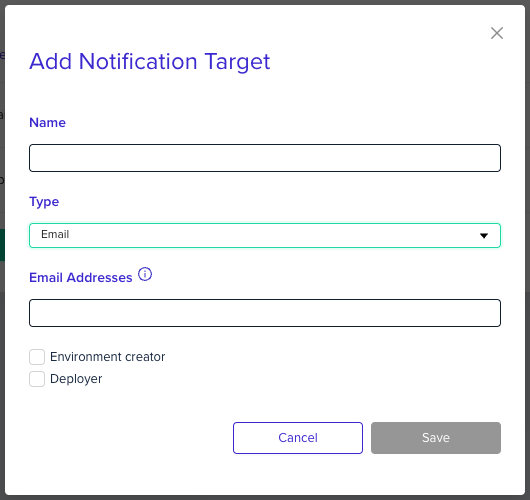
Environment creator checkbox to send the notifications to the user who created the environment, and the Deployer checkbox to send it to the user who started deployment.
Next steps
- Manage notifications - Configure notification targets and project associations.
- Slack integrations - Connect env zero to a Slack channel.
- Webhooks Notifications - Post event payloads to a custom HTTPS endpoint.