

Consecutive deploymentsThe default auto-approve value for every consecutive deployment to an existing environment is based on the last deployment, not the project’s default setting.For example, if you deploy the Production environment with auto-approve off, your next deployment defaults to off even if the project default is on.
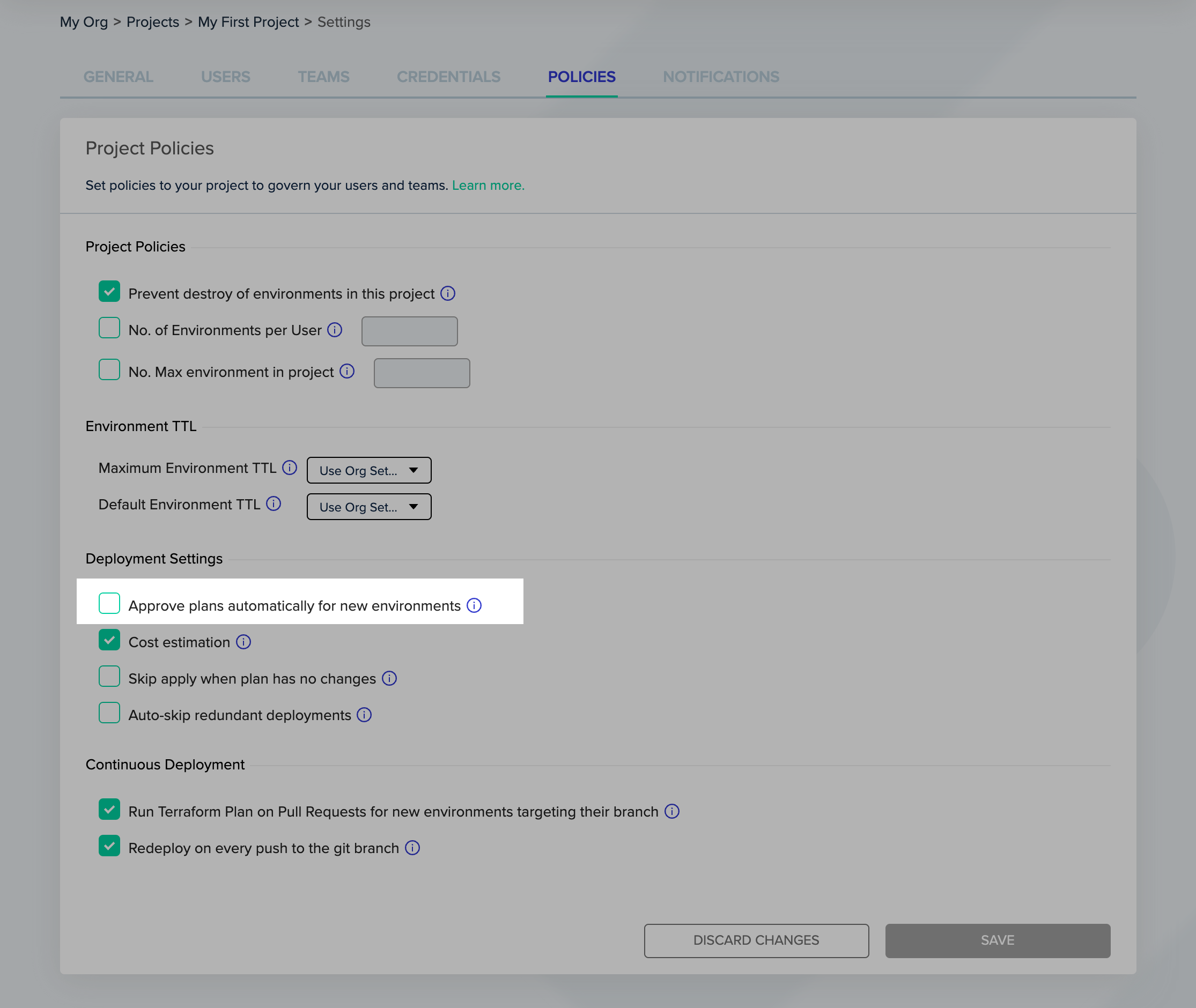
Project Settings - Policies
Next steps
- Policies - Review available project-level policies.
- Approval policies - Require explicit approval before deployments apply.
- Creating a new environment - Create environments that inherit project policies.