

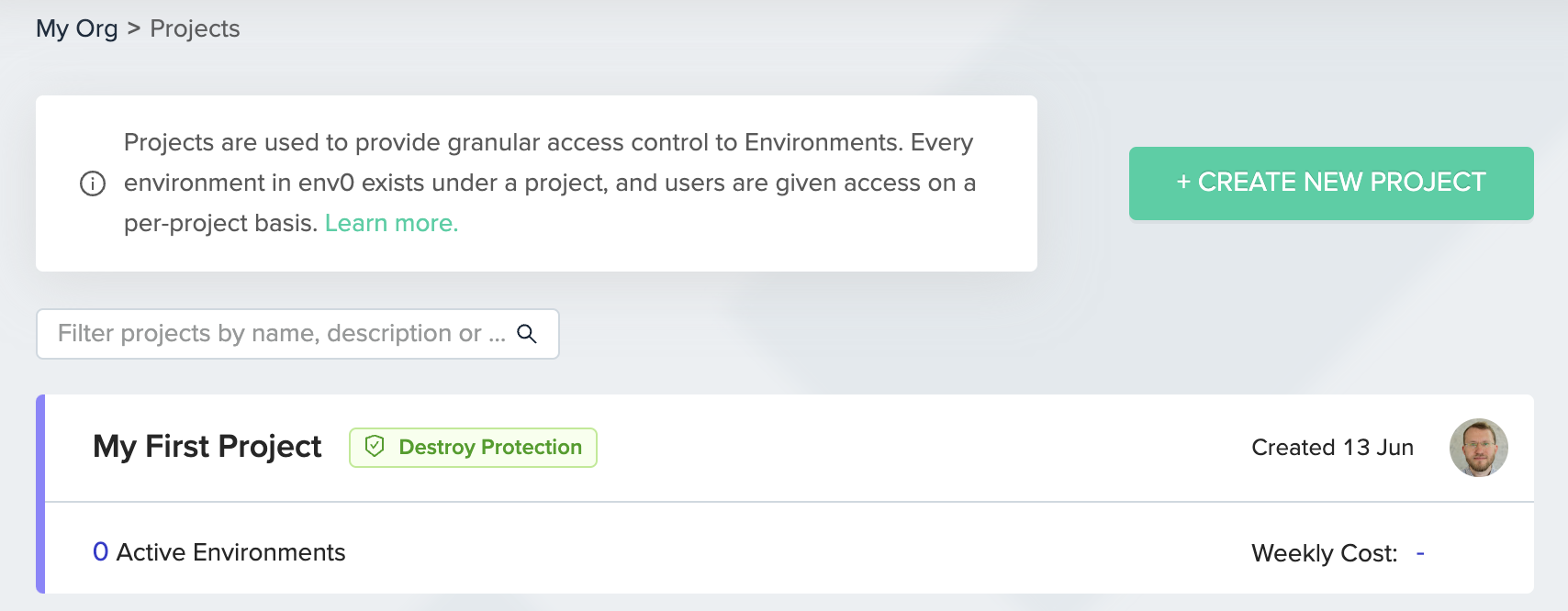
- The Destroy button and Time Left indication in the Environment screen will be disabled.
- The TTL panel in Create/Redeploy Environment screen will be hidden.
- Scheduled Destroy will be disabled.
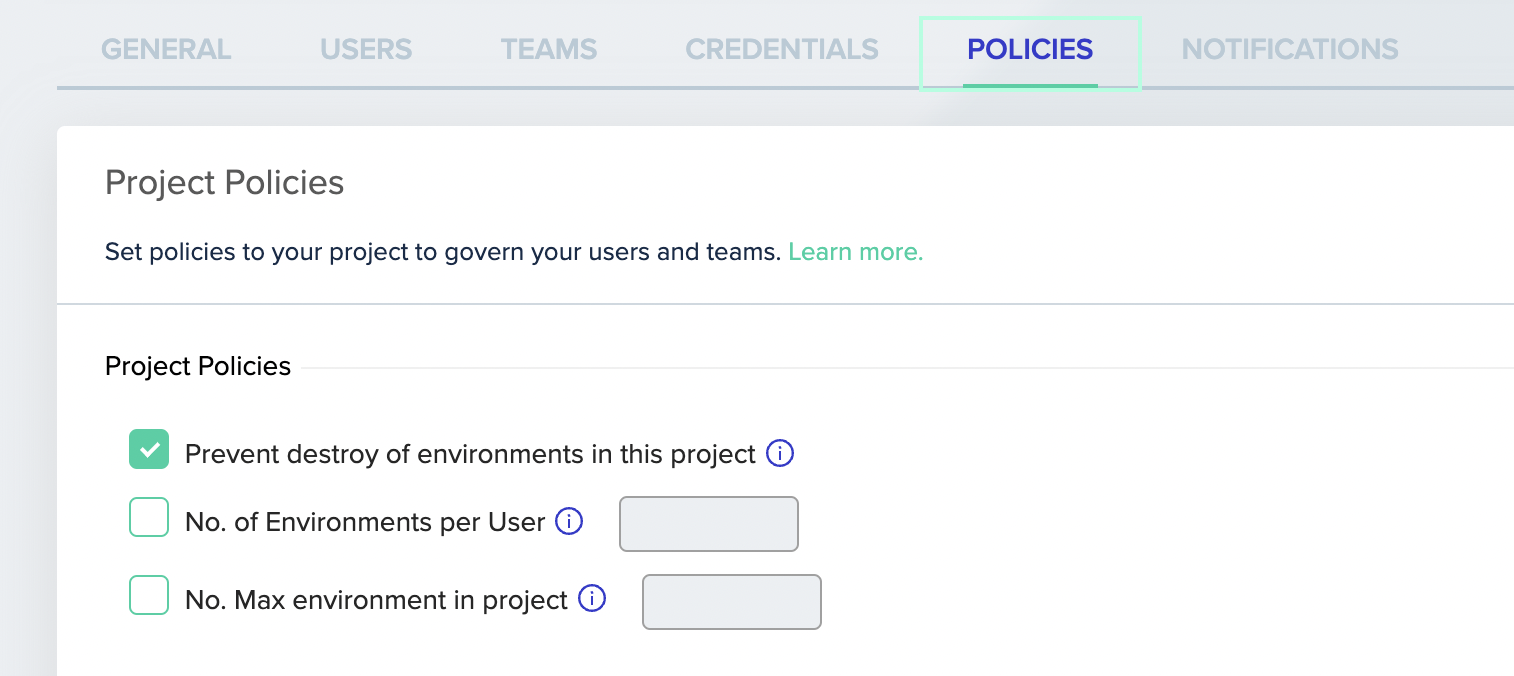
Destroy protection applies to destroy deployments, which delete infrastructure. Marking an environment as inactive is a separate action that leaves the resources in place, and it is controlled by the Archive Environment permission rather than by this policy.
Next steps
- Manage approval policies - Require approvals before destructive changes.
- Manage policies - Review the full set of runtime and deployment policies.
- Configure policy TTL - Set time-to-live limits for environments.