

Issue types
Missing secrets
TFC marks sensitive variables as write-only, so their values cannot be read during the scan. You need to re-enter these values before migration. Missing secrets appear in two places:- Workspace variables - sensitive variables defined on individual workspaces
- Variable set variables - sensitive variables defined in variable sets shared across workspaces. Each variable set card shows a badge listing every workspace that uses it, so you can see the full scope before deciding how to handle it.
1
Click on a workspace or variable set card
The card expands to show all sensitive variables that need values.
2
Enter the secret values
Provide the current value for each sensitive variable.
3
Click Save Secrets
The card updates to reflect the resolved status.
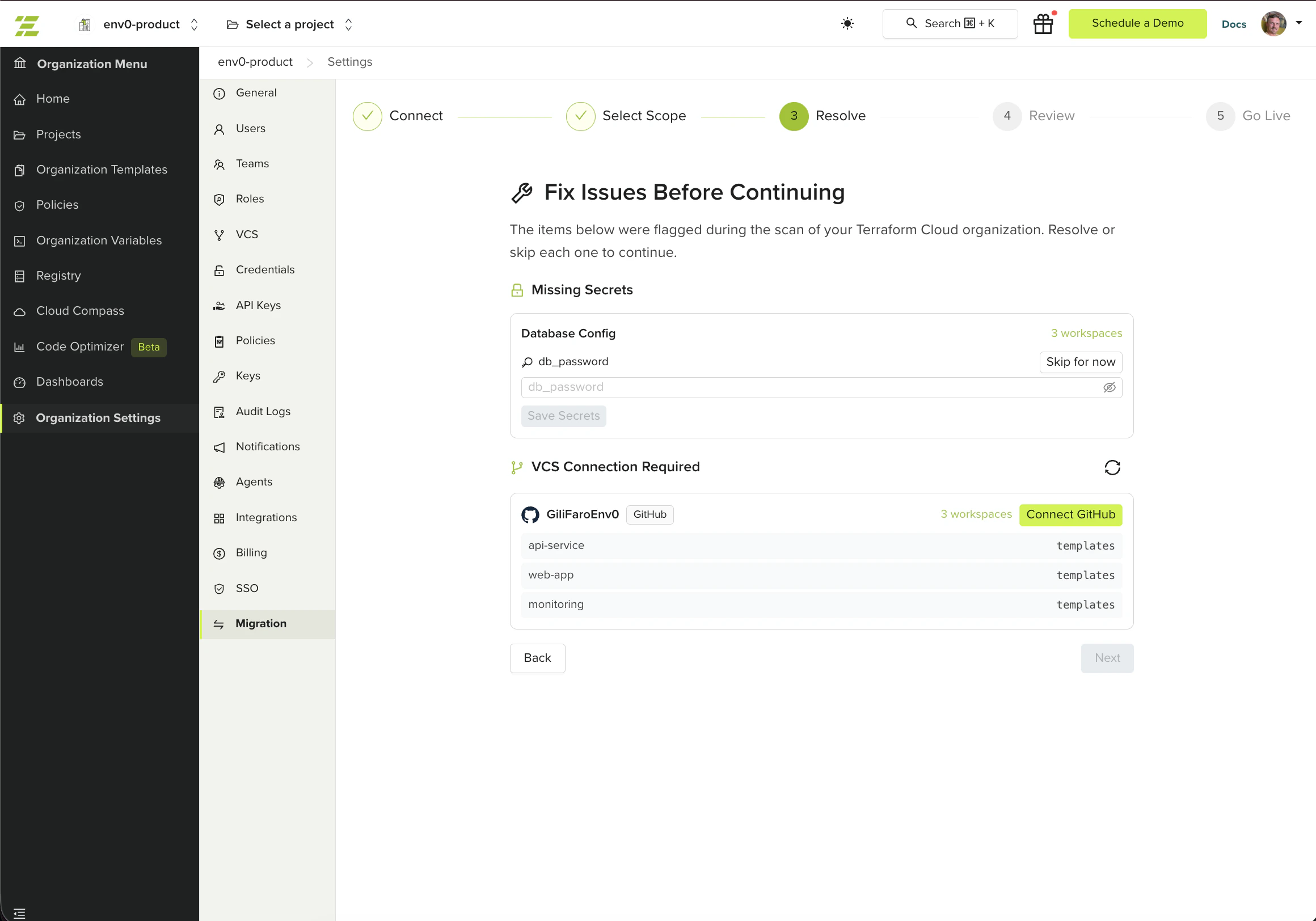
VCS connection required
Some workspaces reference VCS repositories through providers not yet connected in env zero. The wizard groups these issues by provider type and shows the repository name (org/repo) for each affected workspace.
For each provider, click the Connect button (for example, Connect GitHub). This opens an OAuth flow directly in the wizard. Once authenticated, all workspaces using that provider are unblocked at once.
Workspaces using VCS providers not supported by env zero are excluded at the workspace selection step and do not appear here.
No issues found
If all selected workspaces pass validation, the wizard displays a success message and you can proceed directly to the next step.Next steps
- Review and migrate - Review your selection and create environments in env zero.
- Migrate from Terraform Cloud - Return to the migration overview for the full process.
- Troubleshooting - Resolve missing secrets and VCS connection problems.