

About env zero’s Backstage Plugin
The env zero Backstage plugin integrates env zero’s Infrastructure as Code automation platform into Backstage. This enables administrators to configure templates and workflows that provide developers with self-service access to IaC environments while maintaining oversight and governance. With this plugin Admins can:- Configure Backstage templates tailored to organizational needs and policies.
- Enable developers to create and manage environments via env zero.
- Select the appropriate template for the infrastructure they need and create new environments in env zero directly from Backstage.
Creating an env zero environment using a Backstage form
- Search for and view environments within the Backstage catalog to efficiently find and manage resources.
Viewing and managing env zero environments within the Backstage catalog
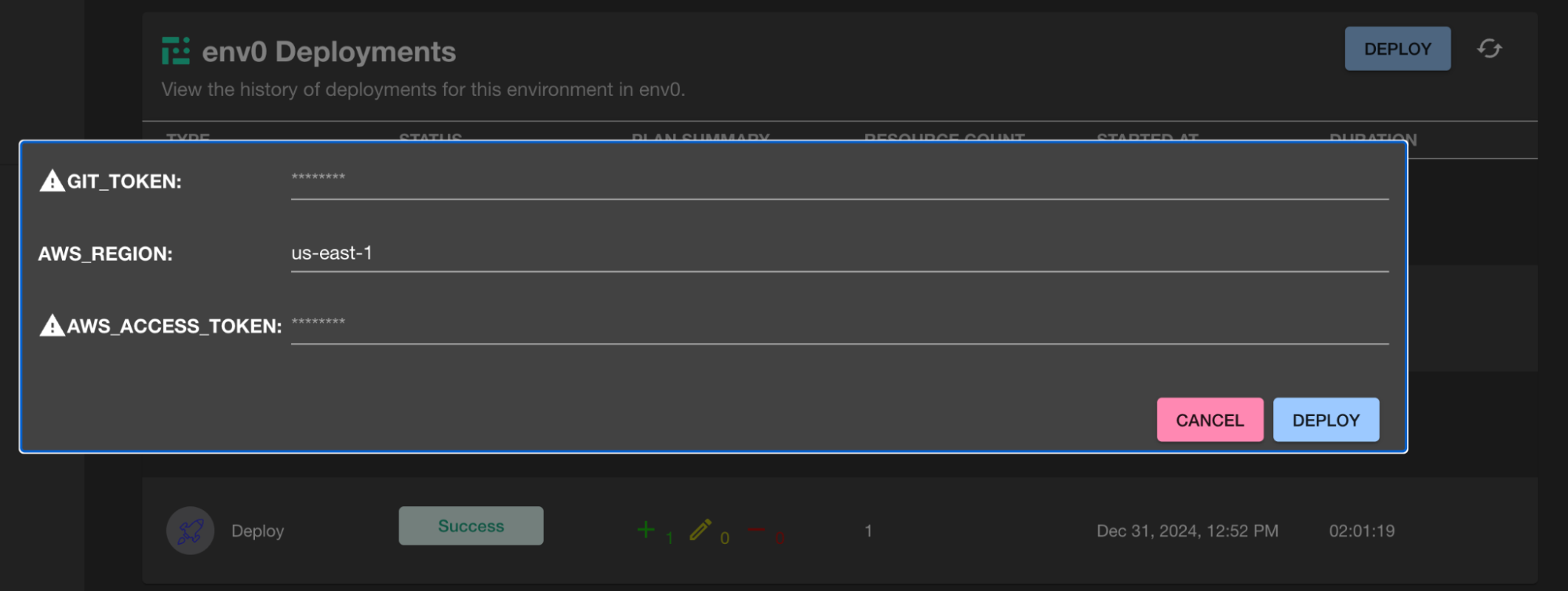
- Access detailed environment views, including deployment history and options to redeploy environments with updated variables.
Environment details with status, drift information, and VCS data
Overview of deployment history, including statuses and timestamps
Redeployment with updated variables in the env zero tab
Getting Started
- Install the Plugin: Visit the env zero Backstage Plugin repository on GitHub and follow the installation instructions.
- Configure the Plugin: Link env zero to Backstage using your organization’s API key, and set up templates with variables, approval workflows, and policies.
Next steps
- Platform overview - See all supported internal developer platforms.
- User API keys - Create an API key to link env zero to Backstage.
- Environment overview - Manage environments your developers create through Backstage.