

How to create an API key
From Organization Settings navigate to API Keys tab: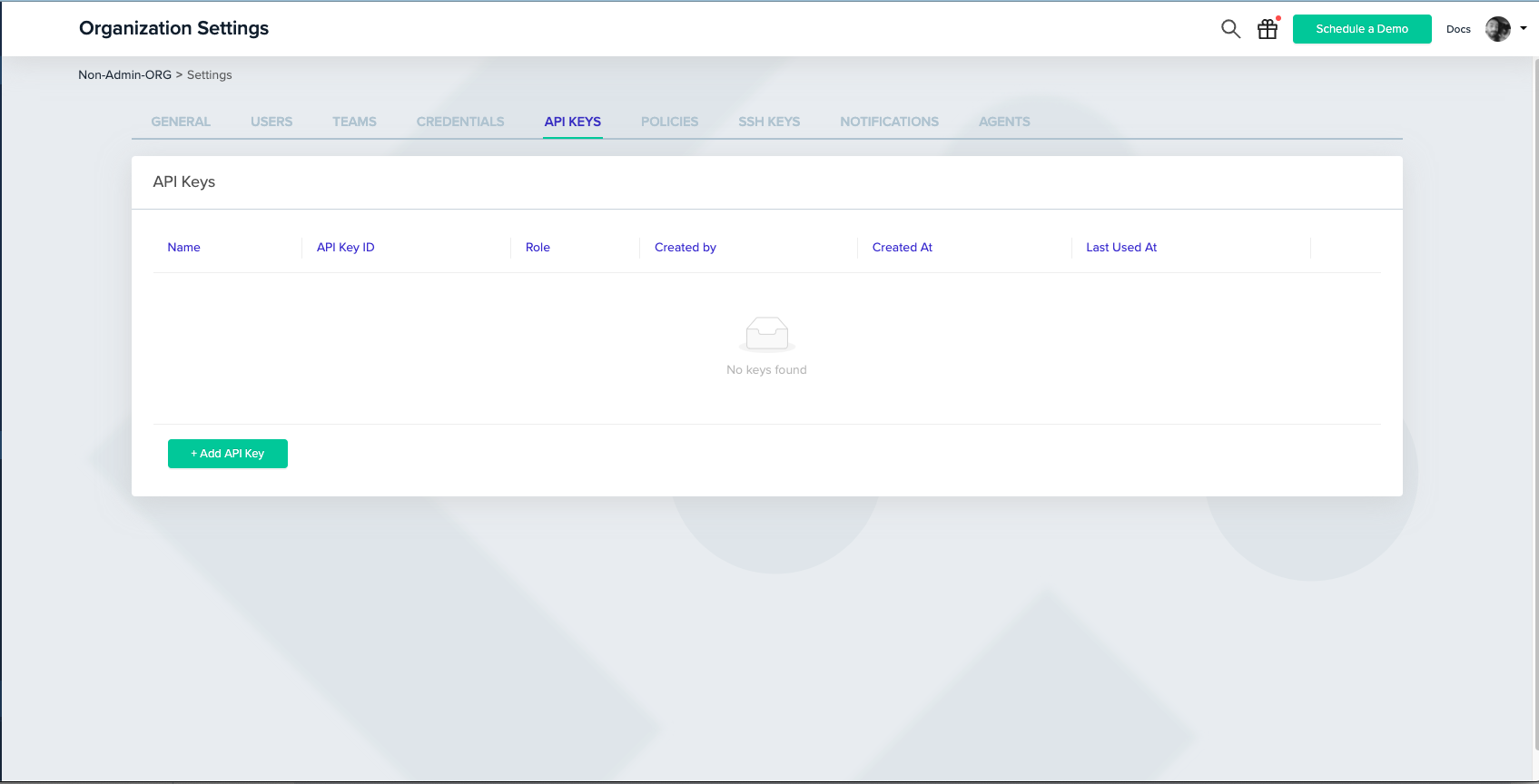
By default, the role of the key will be Admin, but you can also assign it to a user role, and provide specific project permission (just like when inviting a new user to the platform):
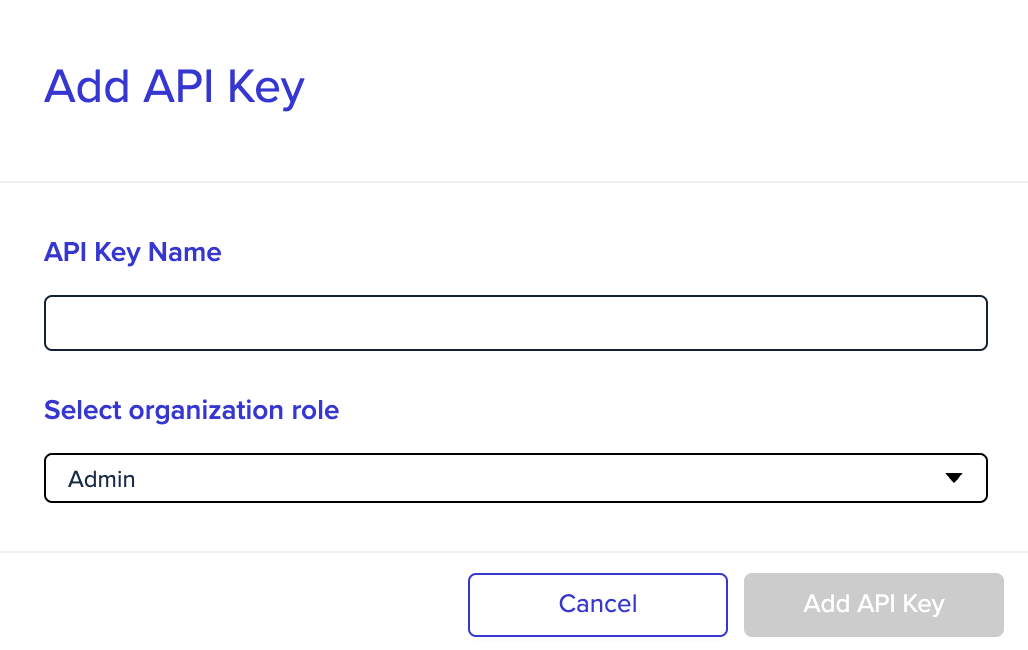
Admin API key
With an admin API key, you can perform any request that requires admin permission: changing organization settings, deploying and approving environments, etc.You can check our full API in the API reference.
Non-Admin API key
With a non-admin (User) API key, you can provide members of your team with the ability to use our API, while maintaining your organization’s RBAC.When creating a user API key, it can be configured with specific project permissions, assigned to a team, and treated like any other user in the system.
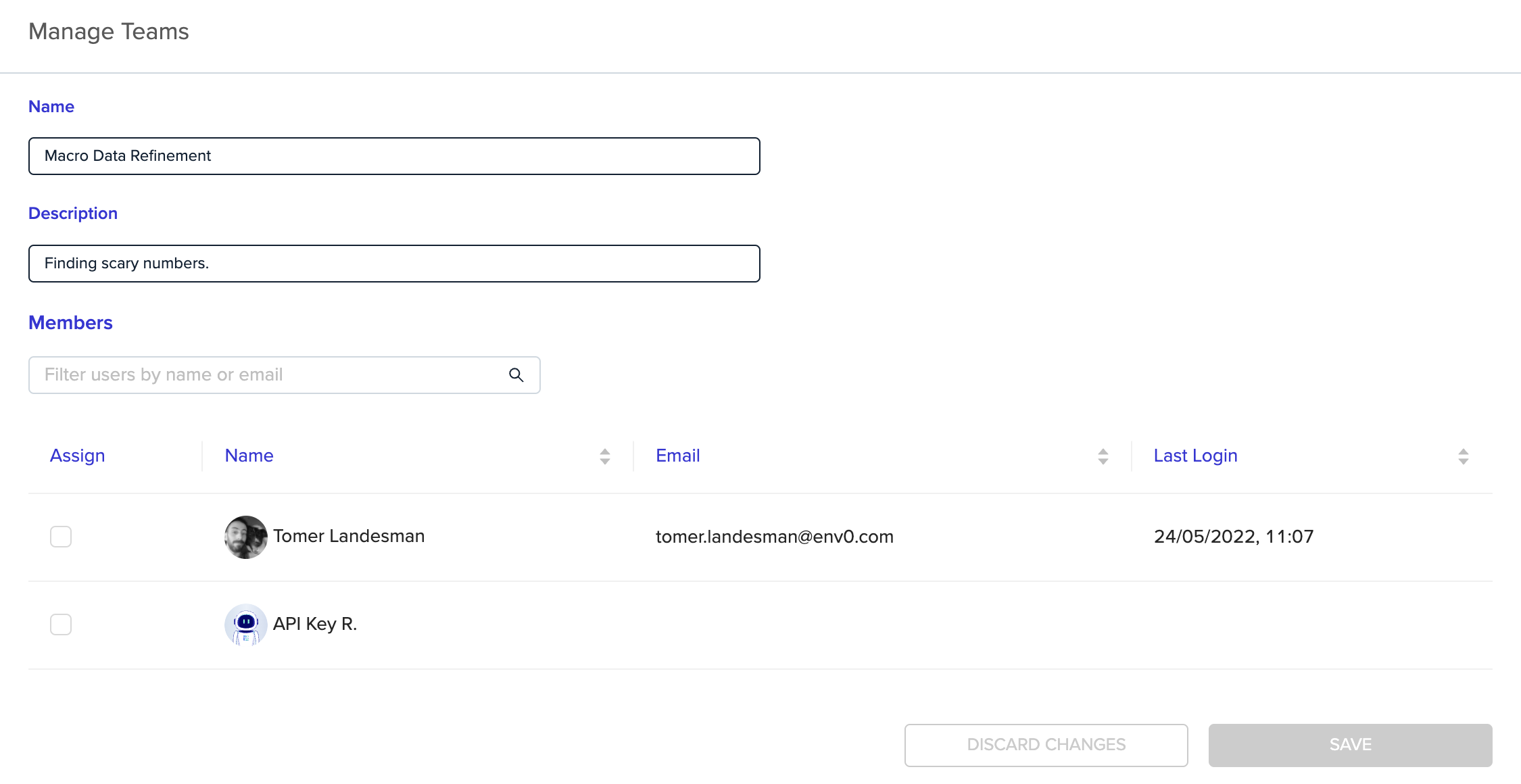
Personal API key
With a personal API key, members of your team can be provided with the ability to use our API with the same permissions they have configured in their env zero account. Every user can generate a personal API key, you can read more about it in our API docs.Next steps
- Manage users - Invite and manage user accounts in your organization.
- Role-based access control (RBAC) - Configure permissions for API key roles.
- SSH keys - Manage SSH keys for VCS and environment access.