


Setup
The integration with New Relic uses the Log API. Here are the steps to configure it:-
Follow the New Relic guide to generate an
License-Keywhich also refers to asAPI-Key -
Choose the correct URL you would like to use:
- US -
https://log-api.newrelic.com - EU -
https://log-api.eu.newrelic.com - FedRamp -
https://gov-log-api.newrelic.com
- US -
-
There are two ways to configure the integrations:
-
In the env zero app
In the organization’s integrations page, click on New Relic and fill the form’s fields: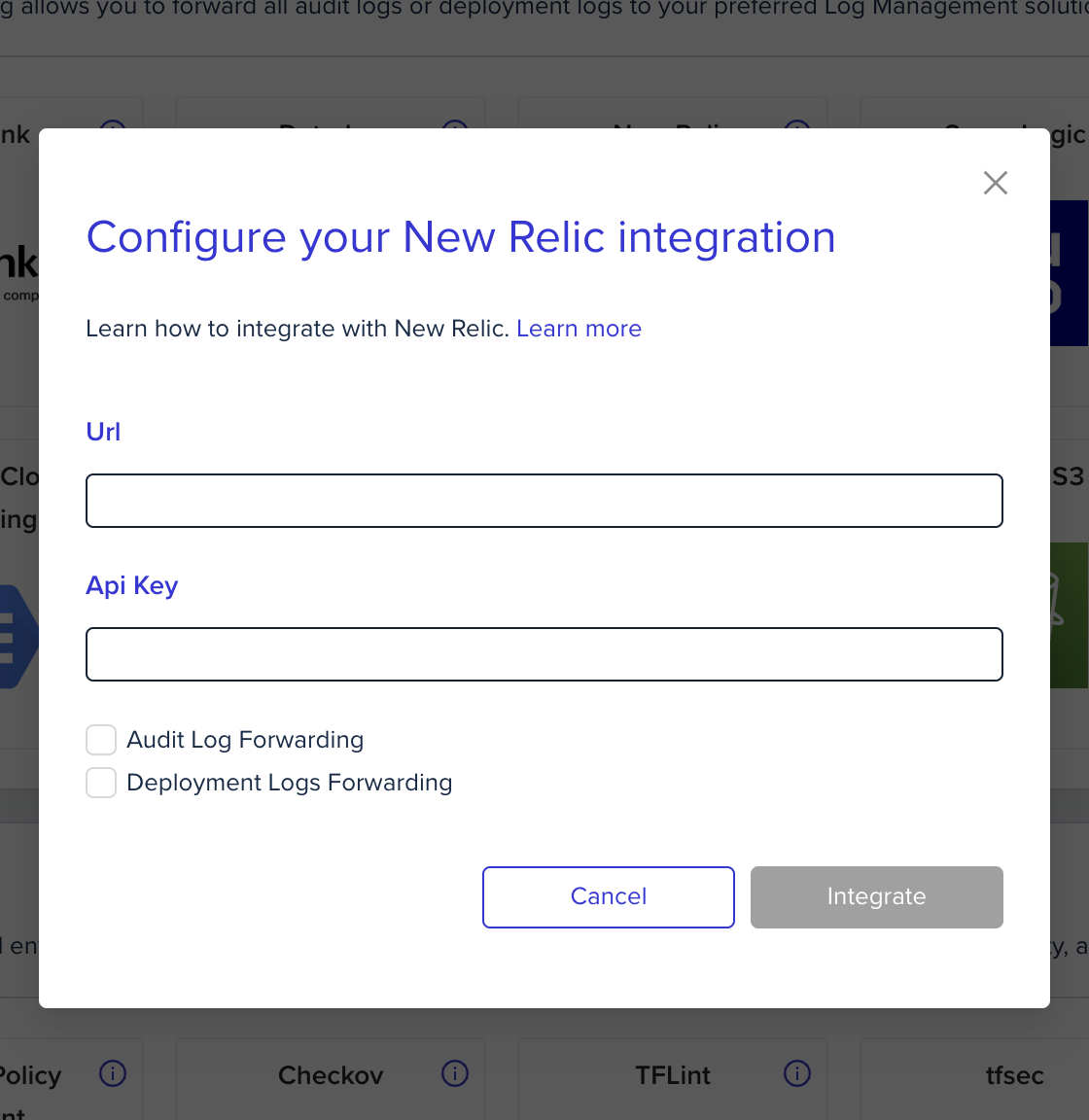
-
Using environment variables
-
Next steps
- Logs forwarding overview - See all supported log forwarding destinations.
- Datadog logs - Alternative: forward logs to Datadog.
- Splunk logs - Alternative: forward logs to Splunk.