

How to create an API key
From Organization Settings navigate to API Keys tab: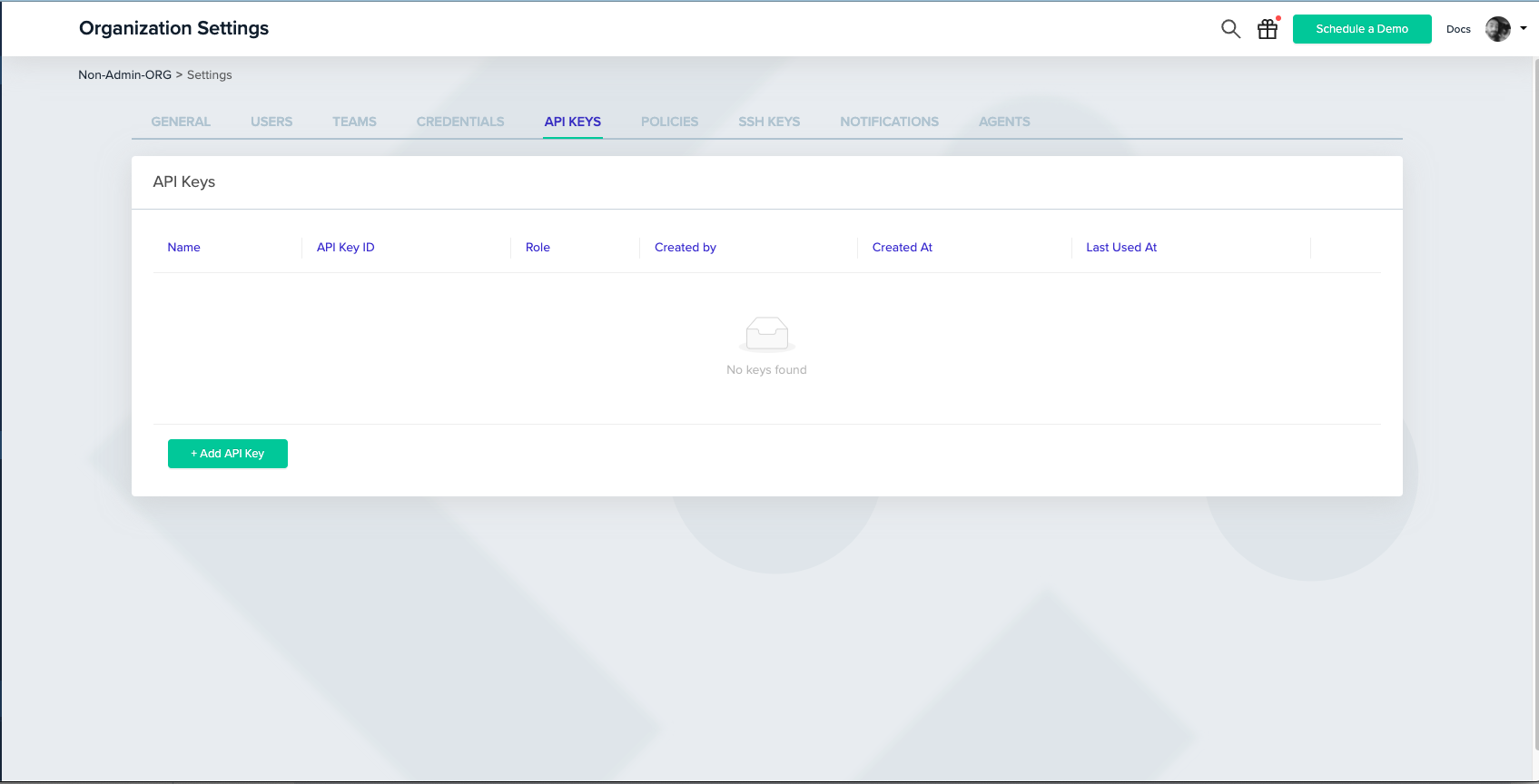
By default, the role of the key will be Admin, but you can also assign it to a user role, and provide specific project permission (just like when inviting a new user to the platform):
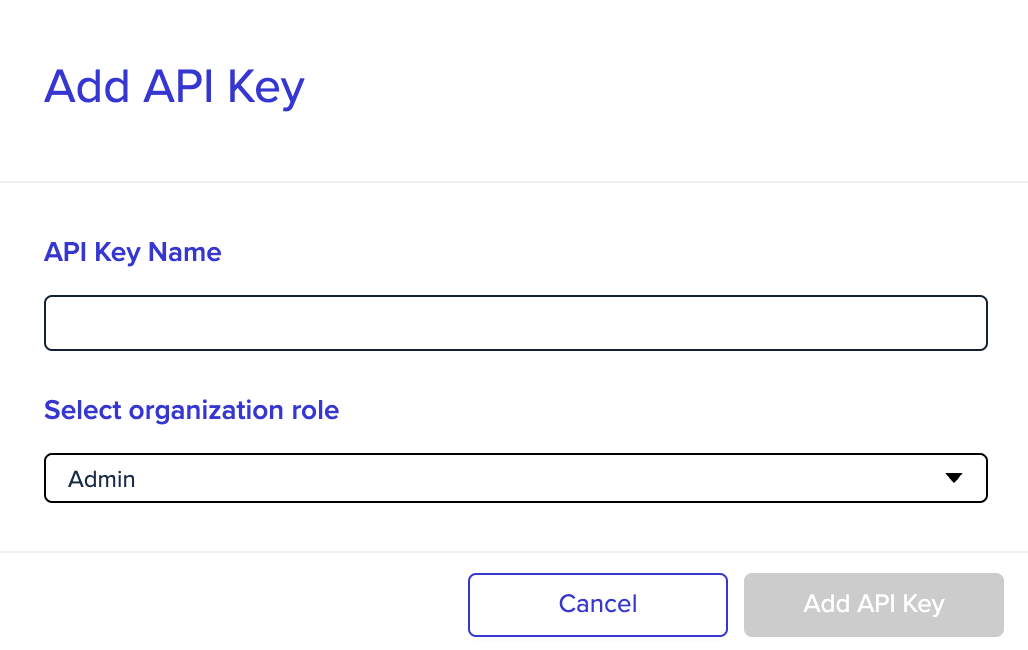
Admin API key
With an admin API key, you can perform any request that requires admin permission: changing organization settings, deploying and approving environments, etc.You can check our full API in the API reference.
Non-Admin API key
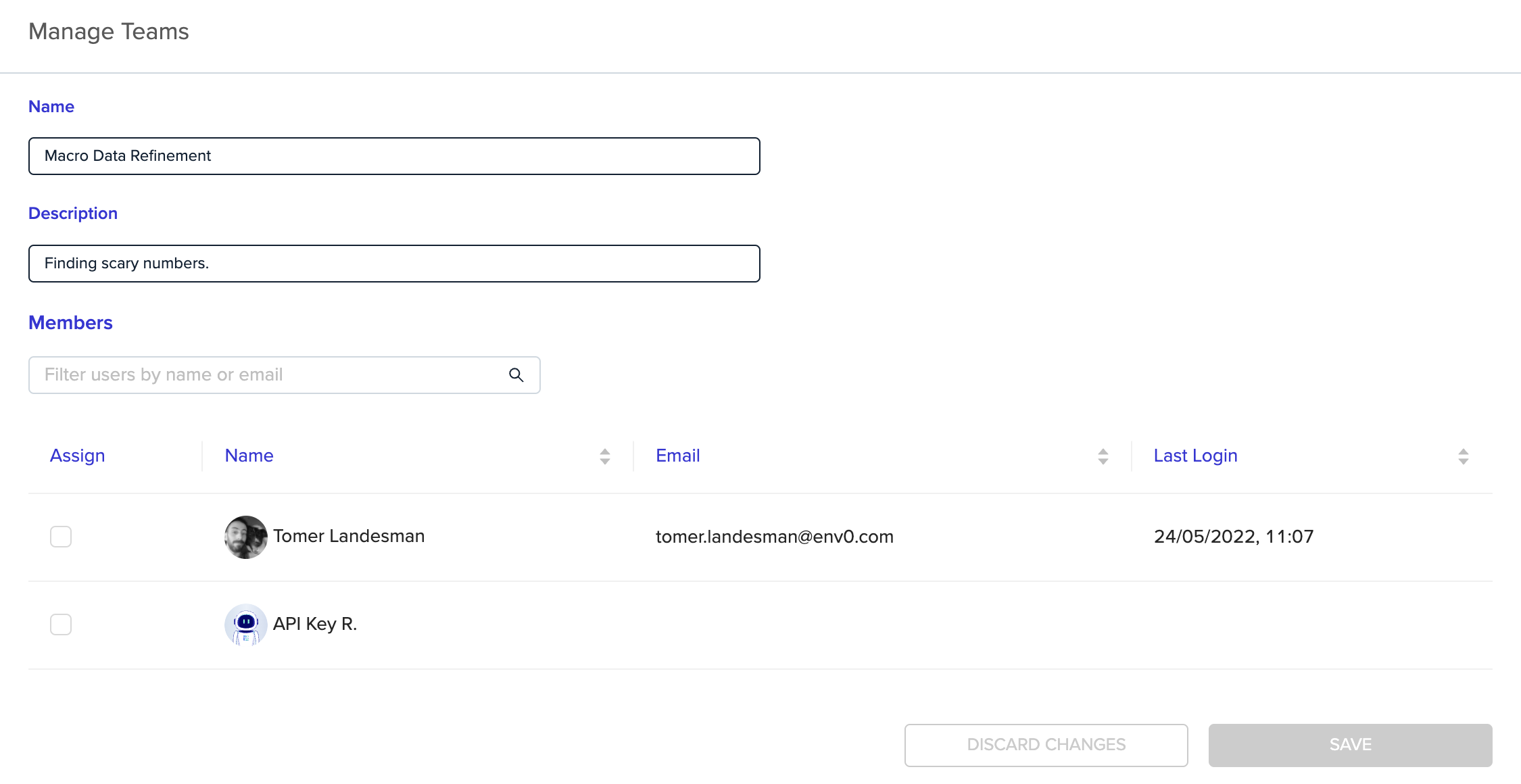
With a non-admin (User) API key, you can provide members of your team with the ability to use our API, while maintaining your organization’s RBAC.When creating a user API key, it can be configured with specific project permissions, assigned to a team, and treated like any other user in the system.
Read-only API key
Select Read-only when you create an admin or user API key, or send"readOnly": true to Create API Key. A read-only key keeps only the view permissions of its role, such as View Environment, View Project, View Audit Logs, and Read State. It can’t create, update, or delete resources, and it can’t run plans or tasks. A request that needs another permission fails with 403.
The Read-only column on the API Keys tab marks these keys. You can’t make an existing key read-only, so create a new one. Personal API keys can’t be read-only.
Read access to every project
To give an integration read access to your whole organization, create an Admin API key and select Read-only. You don’t need to select any projects. An organization role covers every project in the organization, so the key can also read projects created after it. A User key can read only the projects that its own project permissions or its teams give it. You can’t edit the key’s own project permissions after you create it.Personal API key
With a personal API key, members of your team can be provided with the ability to use our API with the same permissions they have configured in their env zero account. Every user can generate a personal API key, you can read more about it in our API docs.Next steps
- Manage users - Invite and manage user accounts in your organization.
- Role-based access control (RBAC) - Configure permissions for API key roles.
- SSH keys - Manage SSH keys for VCS and environment access.