

This step assumes you have already created a template.
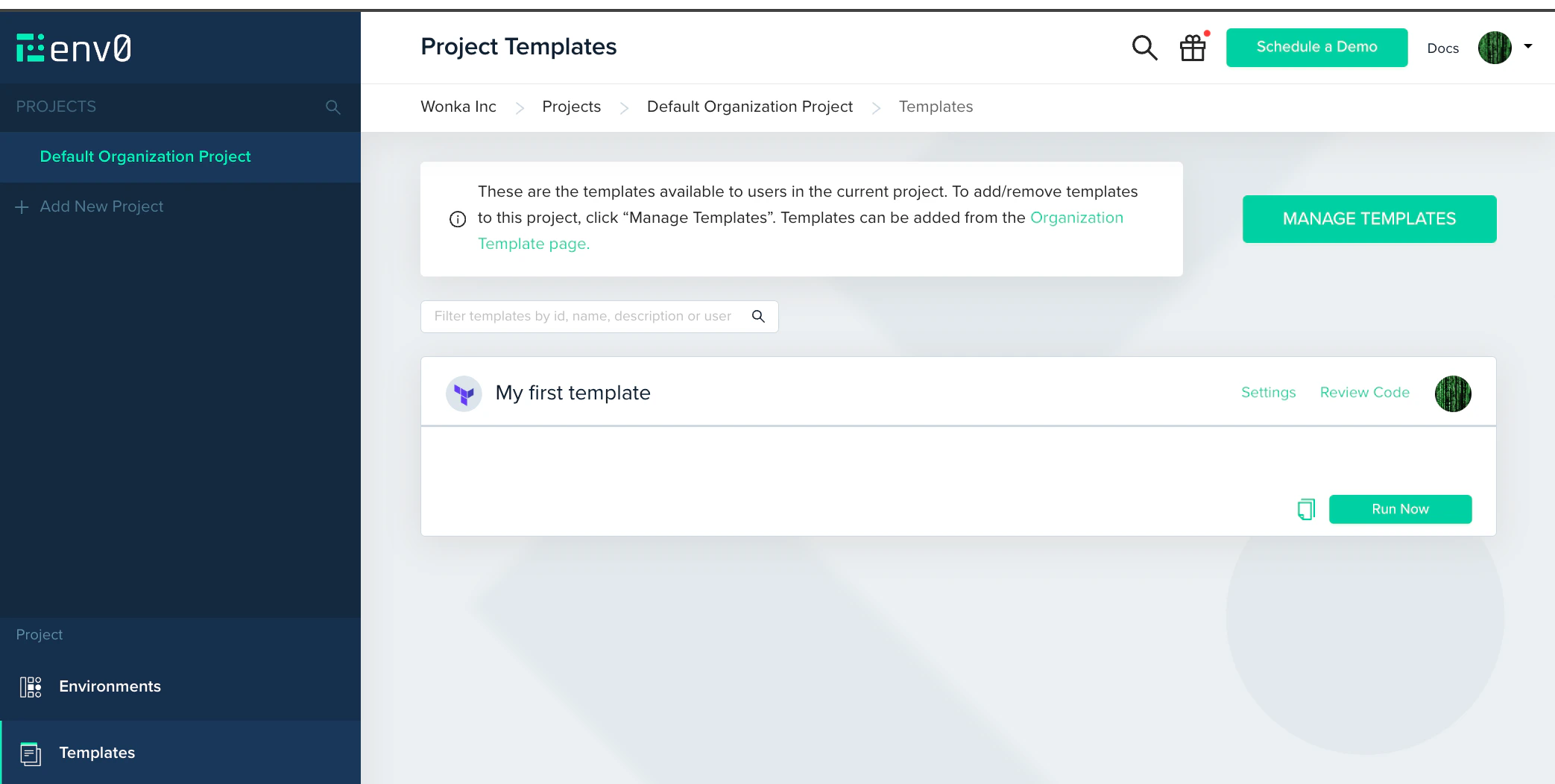
- In the left sidebar, click Projects, then click Default Organization Project. Open the Project Templates page.
- Find the template you added and click Run Now.
- Review the settings for this environment. If it requires any additional variables, add them here.
- Click Run.
Troubleshooting
Credential not assigned. If the log shows a permissions or access error, the cloud credential may not be attached to this project. Go to Project Settings > Credentials and confirm your credential is checked. Apply fails with a permissions error. The IAM role or service principal has insufficient permissions for a resource being created. The apply log shows the specific resource and action that was denied. Update the IAM policy to add the required permission and redeploy. Init fails: module not found. If your IaC code references a private git module usingssh:// or https://, env zero needs an SSH key or Git token to clone it. Attach the relevant credential to the template under SSH Keys.
Deployment stays Queued. Queued deployments are processed in order. If it stays queued for more than a minute, check whether the environment is locked or another deployment for the same environment is already running.
Next steps
You have a working deployment. Here is the natural progression from here. Enforce governance- Approval Policies - Require a human reviewer before any apply runs. The standard way to protect production environments.
- Cost Estimation - See estimated cloud costs in every plan output before anything deploys.
- Drift Detection - Get alerted when live infrastructure drifts from your code.
- User Management - Invite teammates and assign organization and project roles.
- Using env zero Templates - Build a template library that other teams can deploy from without writing IaC.
- Managing Projects - Organize environments by team, workload, or lifecycle stage with scoped access control.
- Variables - Share variables across projects and environments using scoped inheritance.
- Continuous Deployment - Deploy automatically on git push and run a plan on every pull request.
- Scheduling - Spin environments up and down on a schedule to reduce cloud spend.
- Notifications - Send Slack or email alerts when deployments complete or fail.
- API reference - Trigger deployments, manage environments, and integrate env zero into your own tooling.